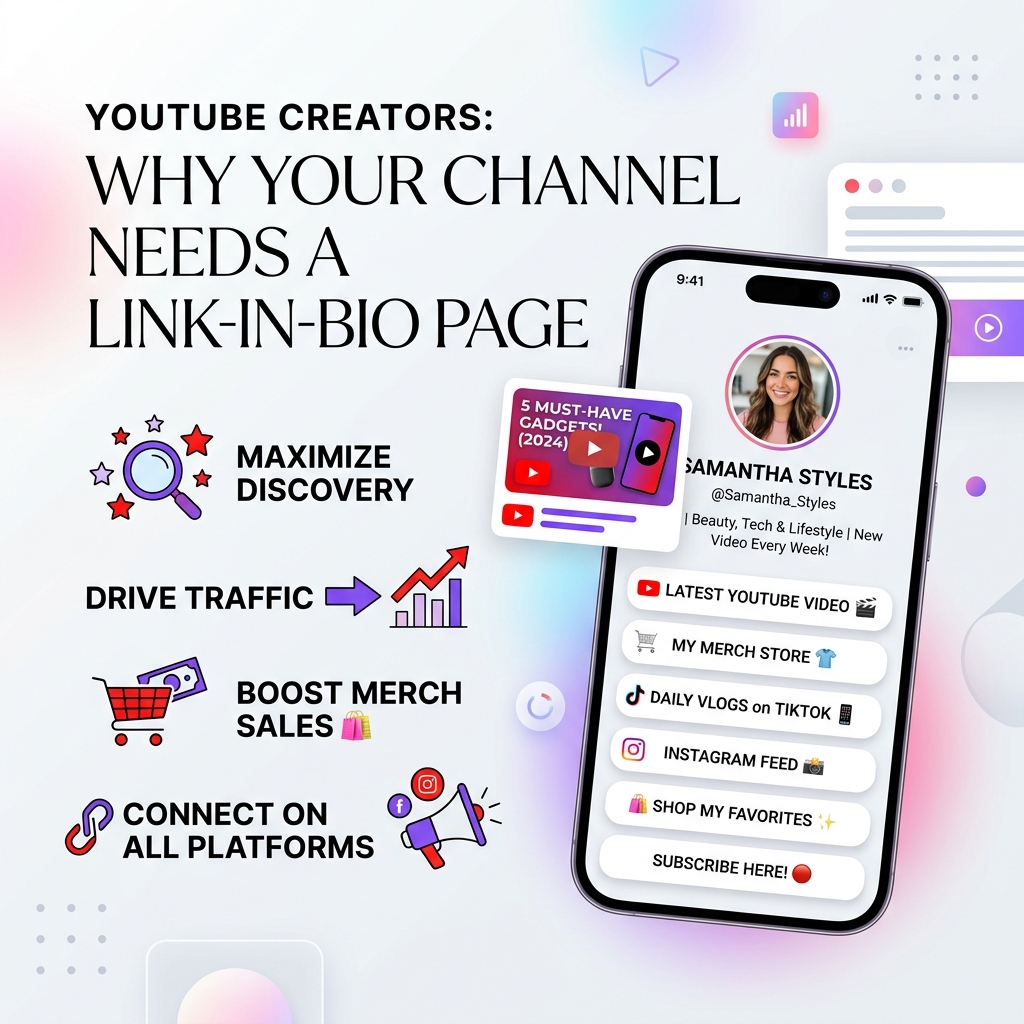
YouTube Creators: Why Your Channel Needs a Link-in-Bio Page
With over 2.5 billion active monthly users and billions of daily video views, YouTube remains the undisputed king of long-form video, educational tutorials, vlogs, and short-form discovery via YouTube Shorts. A single viral video or well-indexed tutorial can generate millions of impressions, tens of thousands of watch hours, and an avalanche of new subscribers over several years.
However, experienced creators understand a fundamental truth: YouTube views and subscriber counts are vanity metrics unless you convert that attention into owned audience equity, sustainable revenue, and multi-channel loyalty.
When scrollers or long-form viewers click through to your YouTube channel profile or check your video descriptions, you have only a few seconds to guide them to your most valuable offers. Yet, many creators paste a messy list of raw URLs into their video descriptions or rely on YouTube’s limited channel header link options.
In 2026, top-performing YouTubers are solving this problem by deploying sleek, high-converting light-themed link-in-bio landing pages. By funneling traffic from YouTube long-form videos and Shorts into a single, clean, light-mode bio hub, creators turn passive scrollers into paying customers, email subscribers, and sponsor leads.
In this comprehensive guide, we will explore why every YouTube creator needs a link-in-bio page, why light-theme design aesthetics drive higher conversions, and how to build your custom creator hub using OnlyLink.
The Fragmented Link Problem on YouTube
YouTube is an extraordinary discovery platform, but its interface presents several structural hurdles when it comes to outbound link management:
1. YouTube Shorts Link Restrictions
YouTube Shorts has exploded in popularity, generating over 70 billion daily views. However, to combat spam, YouTube restricted active clickable hyperlinks inside Shorts captions and video descriptions. Viewers who watch a viral Short cannot simply tap a link in the description. Instead, YouTube explicitly directs users to tap the creator’s channel name or profile link situated in the channel header. Without a centralized bio link on your channel profile, you lose thousands of prospective leads every single day.
2. Buried Video Descriptions (“Show More” Drop-off)
On both mobile devices and desktop screens, YouTube video descriptions are collapsed under the fold by default. Viewers must explicitly click “Show More” to reveal your links. If your description contains a wall of 10–15 unformatted links—ranging from camera gear and social profiles to affiliate codes and podcast links—viewers experience choice overload and bounce without clicking anything.
3. Mobile App Banner Link Dropdown Limits
While YouTube allows creators to add links to their channel banner header, mobile users must tap a small text badge (e.g., "…and 4 more links") which opens a basic bottom sheet modal. This native list offers zero visual branding, no custom call-to-action buttons, no rich media previews, and no direct email capture forms.
4. Updating Past Video Descriptions is a Nightmare
If you change your merch provider, update your affiliate gear link, launch a new digital course, or modify your sponsorship contact form, updating hundreds of past YouTube video descriptions manually is practically impossible.
Why Light-Theme Aesthetics Outperform for YouTube Creators
When designing a bio landing page, visual presentation directly impacts your click-through rates (CTR) and brand perception. While dark mode has its place, data across digital landing pages consistently shows that sleek, light-theme designs deliver superior conversion results for creator bio hubs.
1. Instant Visual Contrast from YouTube’s Interface
Most YouTube users browse the YouTube app or website in dark mode or standard video player backgrounds dominated by dark video player frames and heavy comments sections. When a viewer clicks your bio link and lands on a bright, clean, light-themed page, it creates a refreshing visual transition. The high contrast naturally draws eye focus directly to your call-to-action (CTA) cards.
2. Professional Trust & Editorial Elegance
Light theme layouts built with soft off-white canvas backgrounds (#F8FAFC or #F9FAFB), subtle frosted glass cards, crisp dark typography (#0F172A), and subtle pastel color badges project clarity, professionalism, and high editorial quality. Brands, media buyers, and prospective sponsors view light-theme bio pages as clean digital press kits rather than chaotic link aggregator trees.
3. Readability & Accessibility across Devices
Bright lighting conditions—such as viewing a smartphone outdoors—make dark theme landing pages difficult to read due to glare and low contrast text. Light-theme bio pages maintain exceptional contrast and legibility under high ambient light, ensuring mobile scrollers can effortlessly read link descriptions and fill out sign-up forms.
5 Strategic Pillars of a High-Converting YouTube Bio Hub
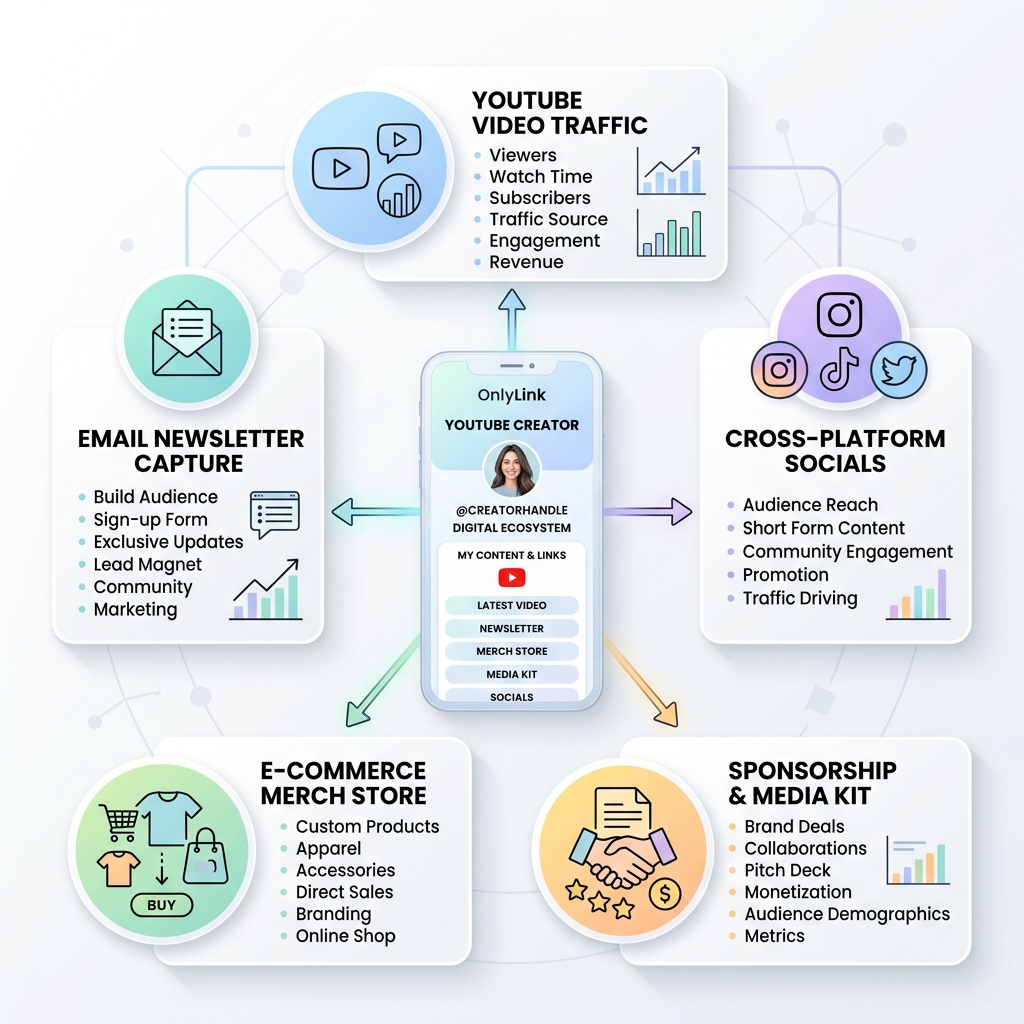
A great link-in-bio page is not just a list of buttons; it is a multi-dimensional digital storefront. Here are the five key pillars every YouTube creator should incorporate into their light-theme OnlyLink bio hub:
1. Featured Video & Channel Trailer Embed
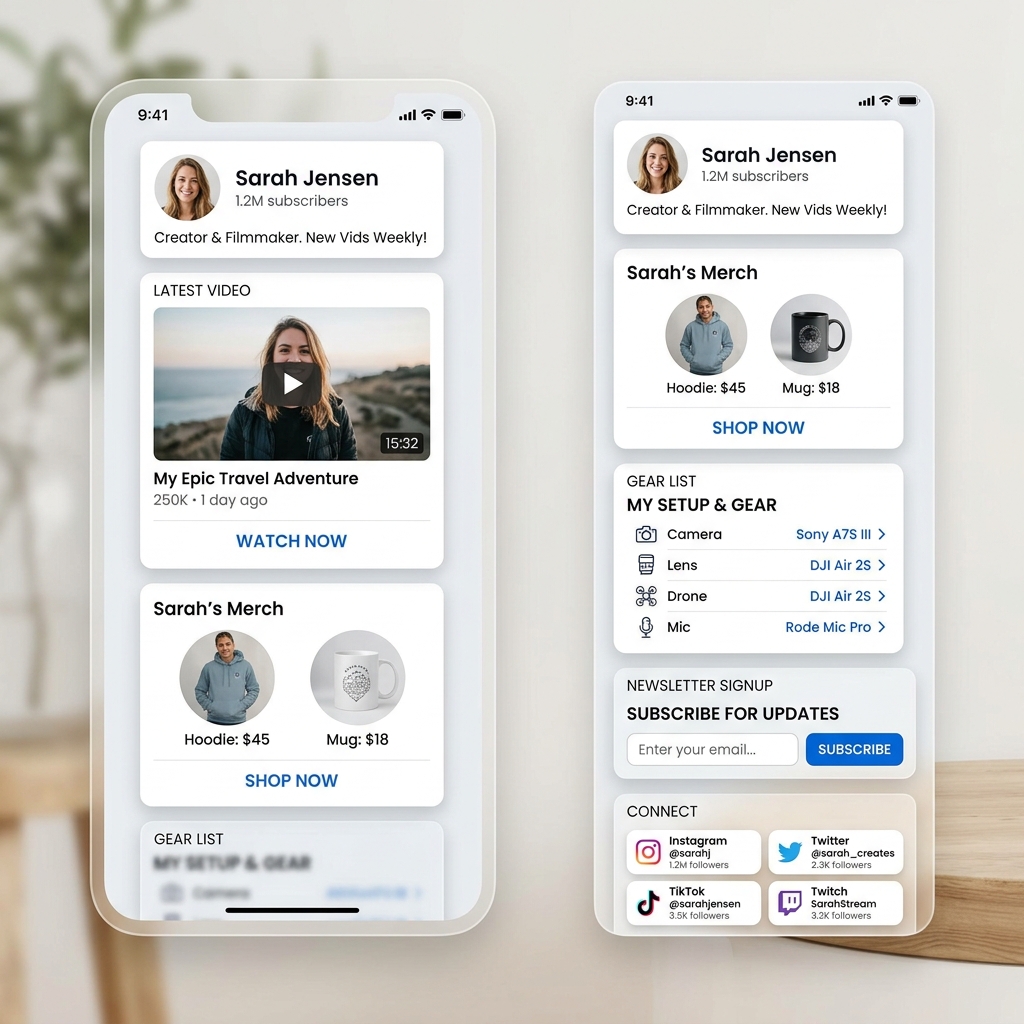
Place your newest video release, viral hit, or channel trailer directly at the top of your light-theme bio hub. OnlyLink allows you to embed video players seamlessly so visitors can watch your latest content without leaving your landing page.
2. Owned Audience & Newsletter Capture
Algorithms change, channel reach fluctuates, and platform guidelines evolve. Your email list is the only audience asset you truly own. Embed a 1-click email sign-up form on your light-theme page offering an exclusive lead magnet—such as a free PDF editing preset pack, video gear checklist, or private newsletter updates.
3. E-Commerce, Merch Storefront & Affiliate Gear Showcase
Monetize your viewership directly! Dedicate visually distinct light-theme cards for:
- 👕 Official Merch Store: Hoodies, t-shirts, mugs, and stickers.
- 📦 Digital Goods & Presets: Lightroom presets, LUTs, Notion templates, e-books, or sound packs.
- 📷 Affiliate Camera Gear List: Organize your camera setup, lighting, microphone, and editing software into clickable recommendation cards with affiliate links.
4. Sponsorship Media Kit & Business Enquiries
Make it friction-free for brands to sponsor your videos! Dedicated buttons like “Brand Inquiries & Media Kit” or “Sponsor My Next Video” linked to your media kit or contact form signal to marketing agencies that you are open for professional collaborations.
5. Cross-Platform Social Distribution
Guide your loyal YouTube fans to your secondary platforms—such as Instagram, TikTok, Twitch live streams, Discord communities, or podcasts—ensuring you build a resilient, multi-platform brand presence.
Comparing YouTube Description Links vs. Centralized Light-Theme Bio Hub
| Feature / Metric | Raw YouTube Description Links | Centralized Light-Theme OnlyLink Hub |
|---|---|---|
| Visual Styling | Plain unformatted text URLs | Modern light-theme cards, soft shadows & crisp typography |
| Mobile Experience | Buried under collapsed “Show More” fold | Sub-second load time, optimized mobile touch targets |
| Media Embeds | Text links only | Native video embeds, newsletter forms, product cards |
| Update Efficiency | Requires updating hundreds of past videos | Edit once in OnlyLink; updates instantly everywhere |
| Sponsorship Appeal | Cluttered, unorganized link walls | Professional light-theme digital media kit & inquiry card |
| Audience Ownership | Dependent on external clicks | Direct email & SMS subscriber list capture |
| Analytics & CTR Tracking | Minimal native insights per link | Comprehensive real-time click analytics & conversion tracking |
How to Set Up Your YouTube Bio Hub on OnlyLink in 4 Easy Steps
Building a high-converting, light-theme link-in-bio page for your YouTube channel takes less than 10 minutes with OnlyLink:
Step 1: Create Your Account & Select a Light Theme Template
Sign up on OnlyLink.click and choose one of our curated Light Theme UI templates. Select a crisp canvas background with soft pastel accents and modern typography tailored for creators.
Step 2: Add Your Profile & Featured Video Embed
Upload your YouTube avatar or custom logo, write a compelling 1–2 sentence bio, and embed your latest YouTube video or channel trailer near the top of your page.
Step 3: Add Structured Action Cards
Create visual cards for your primary offers:
- Email Newsletter Subscription Card
- Merch Storefront Link Card
- Camera Gear & Tech Affiliate Recommendations
- Sponsorship & Press Kit Contact Card
- Social Media Icon Row (Instagram, TikTok, X, Discord, Twitch)
Step 4: Add Your OnlyLink URL Across YouTube
Copy your unique OnlyLink URL (e.g., onlylink.click/yourname) and add it to:
- YouTube Channel Header Links: Set it as your primary channel link in YouTube Studio.
- YouTube Shorts Profile Bio: Direct viewers in your Shorts voiceovers to “Click the link in my channel bio!”
- Video Descriptions: Place your OnlyLink URL in the top line of every video description.
- Pinned Comments: Pin your OnlyLink URL at the top of the comment section on your popular uploads.
Take Control of Your YouTube Creator Business Today
YouTube gives you unparalleled reach and discoverability. But to build a sustainable, resilient creator business in 2026, you must turn viewers into owned community members.
A sleek, light-theme link-in-bio page powered by OnlyLink serves as your command center—unifying your videos, merch, email list, sponsorships, and social channels into a single high-converting experience.
Ready to upgrade your YouTube channel’s digital presence? Create your free light-theme bio hub on OnlyLink today and start converting views into real business growth!
Ready to build your link in bio?
Create your free OnlyLink page in under a minute unlimited links, analytics and custom designs.
Get started freeKeep reading
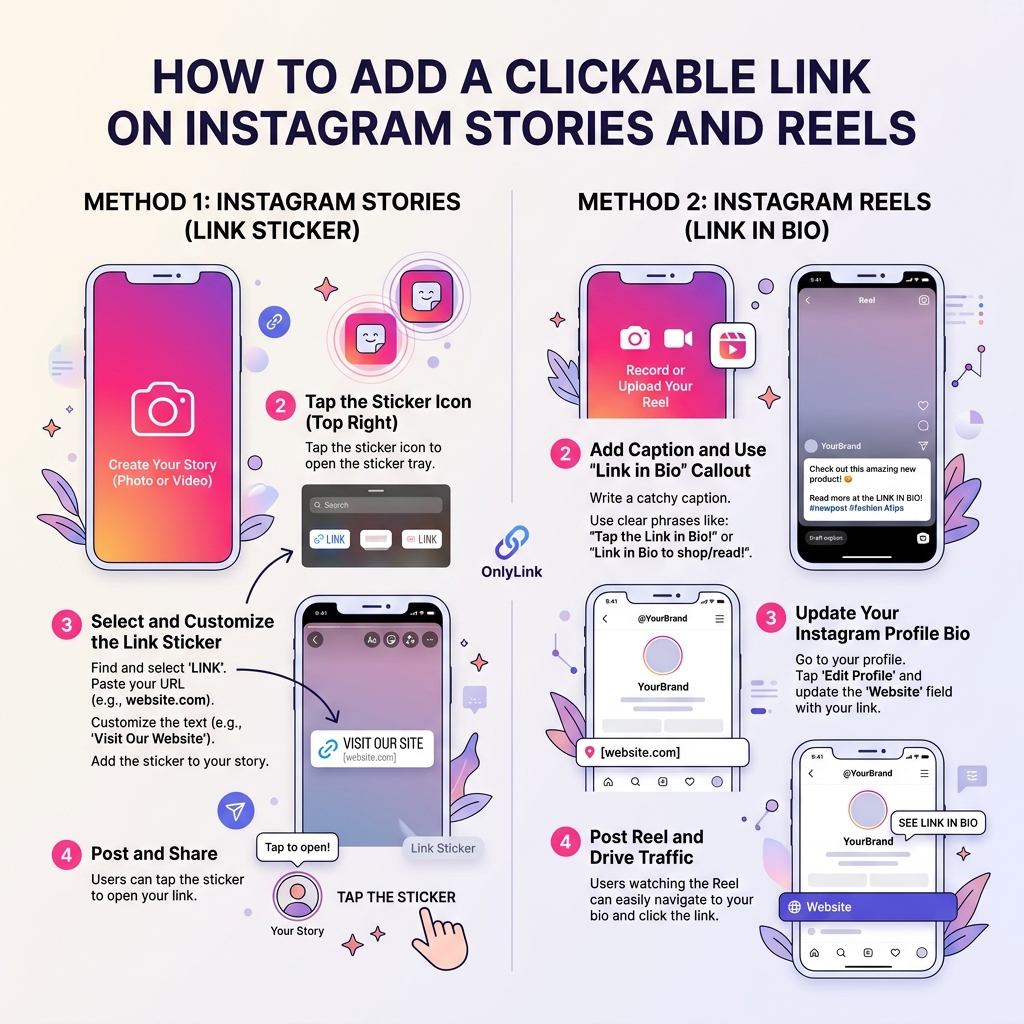
How to Add a Clickable Link on Instagram Stories and Reels
Master the step-by-step guide to adding clickable links on Instagram Stories and Reels. Learn how to convert …
The Ultimate Link-in-Bio Guide for TikTok Creators
Master your TikTok bio strategy, convert short-form video views into sales, build an owned audience, and …