
When to Refresh Your Bio Link (And What to Change)
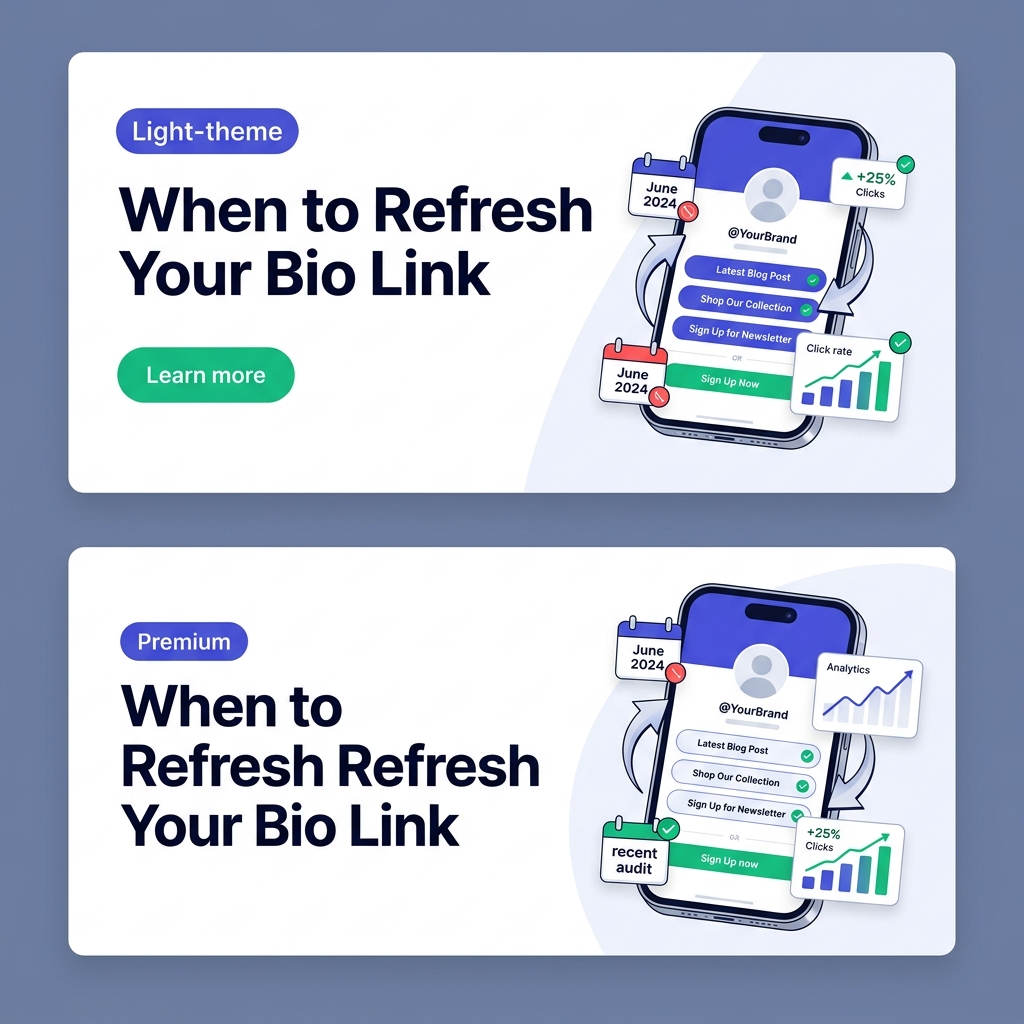
When was the last time you reviewed your social media bio link?
For millions of creators, entrepreneurs, freelancers, and digital brands, the “link in bio” is the single most important bridge connecting social media scrollers to their digital ecosystem. It is where passive followers transform into active subscribers, customers, podcast listeners, and clients.
Yet, a surprising number of creators treat their bio link page as a “set-it-and-forget-it” digital parking lot.
You set up a list of links six months ago, added a quick profile photo, and never looked back. Meanwhile, seasonal promotions expired, featured YouTube videos became outdated, referral links broke, and your audience grew fatigued by looking at the exact same cluttered list week after week.
In 2026, digital audience behavior moves fast. A stale, neglected bio link page doesn’t just cost you clicks—it actively signals a lack of professional polish and dilutes your brand authority.
In this guide, we will break down when you should refresh your bio link, the critical signals that demand an immediate update, and a step-by-step checklist of exactly what to change to boost your conversions using modern, high-contrast light-theme visual design.
Why Bio Link Refreshing is Essential in 2026
Social media algorithms on Instagram, TikTok, YouTube Shorts, and LinkedIn constantly push new scrollers to your profile header. Every time a follower taps your bio link, they expect relevant, up-to-date touchpoints.
Treating your bio link page as an active, dynamic hub provides three critical advantages:
- Sustained High Click-Through Rates (CTR): Fresh content and updated micro-copy re-engage returning followers who would otherwise ignore a static link list.
- Zero Wasted Intent: Removing expired offers and broken links guarantees that high-intent traffic lands on active conversion pages.
- Cohesive Light-Theme Brand Aesthetics: Keeping your visual presentation, colors, fonts, and avatar aligned with your latest brand identity reinforces immediate trust.
5 Clear Signals: WHEN to Refresh Your Bio Link
How do you know when it is time to audit and update your bio link page? Look out for these five key triggers:
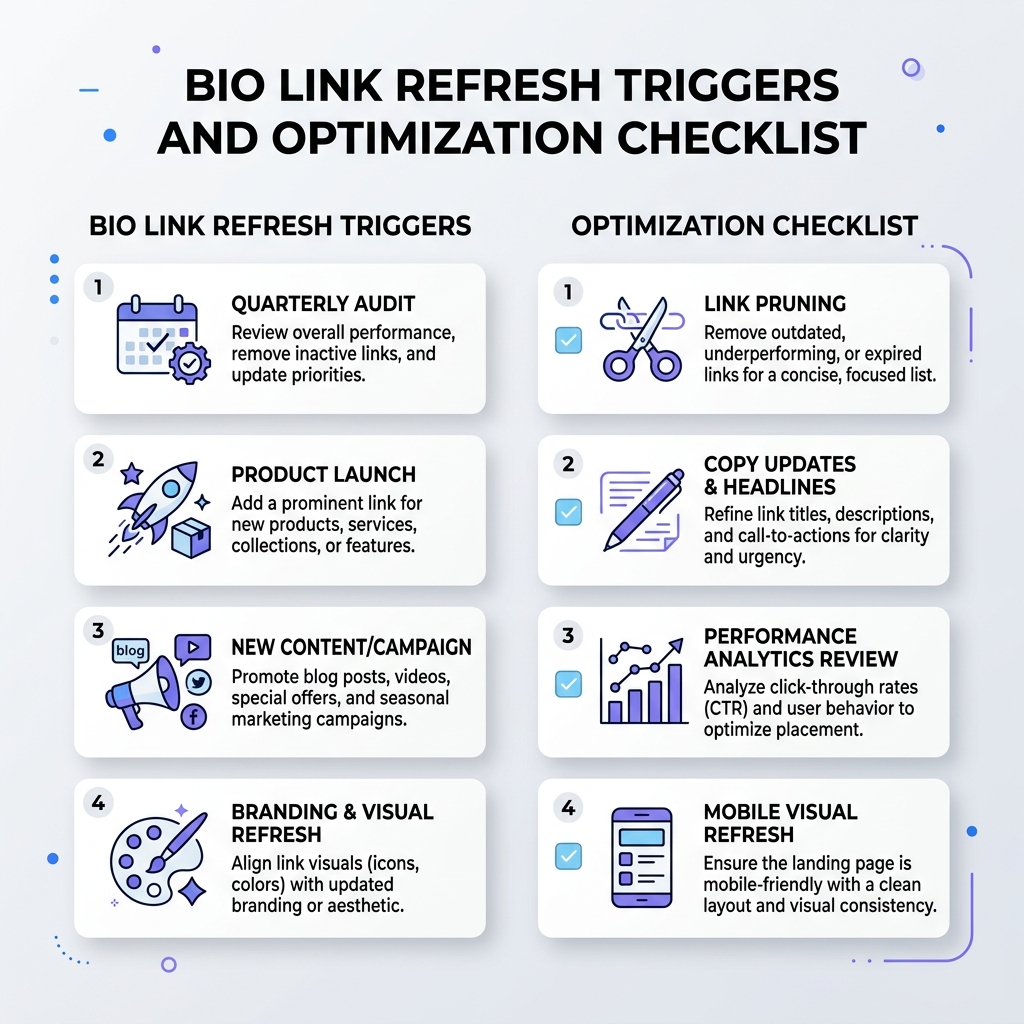
1. The Quarterly Audit Schedule (Routine Maintenance)
Even if your business model hasn’t changed dramatically, every bio link requires a routine check-up every 90 days. Over three months, links shift, landing page URLs change, and new priorities emerge. A calendar reminder every quarter prevents link decay.
2. Launching New Products, Services, or Content Drops
Whenever you launch a new e-book, open enrollment for a course, release a new YouTube series, publish a podcast episode, or open client slots for consultations, your bio link must instantly reflect that priority. Your top CTA should always mirror your current flagship campaign.
3. A Noticeable Drop in Click-Through Rate (CTR)
If your social reach is holding steady but your bio link analytics show a decline in total clicks, you are experiencing link fatigue. Scrollers have seen your current layout so many times that it no longer catches their attention. Refreshing link titles, button colors, and top positions immediately revives interest.
[!TIP] Use analytics on platforms like OnlyLink to monitor your weekly CTR. A steady week-over-week drop in clicks is your cue to rotate featured cards and refresh CTA headlines.
4. Visual Brand Evolution & Aesthetics Upgrade
If you updated your brand palette, launched a new website, changed your profile avatar, or shifted to a clean light-theme design system, an outdated bio link creates visual dissonance. Switching to a sleek light theme enhances mobile readability, builds high contrast, and projects executive polish.
5. Seasonal Promotions & Event Triggers
Black Friday, New Year kick-offs, summer sales, or conference speaking appearances require temporary bio link overlays. Leaving a “Summer Discount” link live in November hurts your credibility.
Strategic Action Plan: WHAT to Change When You Refresh
When you log into your bio link editor, avoid making random edits. Follow this strategic checklist to optimize every pixel for performance:
| Area | Stale Bio Link Mistake | Refreshed & Optimized Bio Link |
|---|---|---|
| Top Hierarchy | Generic website link at top | Primary flagship CTA (e.g., New E-book / Launch) |
| Link Volume | 15+ cluttered, competing links | 5-7 prioritized core links + organized categories |
| Micro-Copy | Boring labels like “My Blog” | Actionable micro-copy (“Read the 2026 Growth Playbook”) |
| Visual Theme | Low-contrast or dark clunky templates | Modern, clean light-theme UI with crisp typography |
| Media Assets | Static thumbnail-free buttons | Rich embeds, live video previews, email capture |
1. Re-Evaluate Link Hierarchy & Above-the-Fold CTAs
The top 300 pixels of your bio link page are your most valuable digital real estate. Mobile scrollers decide whether to stay or bounce in less than 2 seconds.
- Place your single highest-converting CTA at the top.
- Use highlighted card styling or subtle animation for your primary goal (e.g., joining an email list, downloading a free guide, or booking a call).
- Demote secondary social profiles (like Twitter/X, LinkedIn, GitHub) to minimalist icon rows at the header or footer.
[!NOTE] Learn how to structure high-performing layouts in our deep dive on the anatomy of a high-converting link in bio page.
2. Prune Dead, Underperforming, or Expired Links
Choice overload kills conversion rates. When visitors see a wall of 15 identical buttons, decision paralysis kicks in, and they close the page.
- Apply the Rule of 5-7: Keep your main screen focused on 5 to 7 primary links.
- Delete 404 Links: Test every single link destination to verify that no broken pages exist.
- Remove Expired Offers: Delete outdated event registrations, old podcast guest spots, or past promotional codes.
Read our guide on how to organize multiple social links without confusing visitors for actionable grouping techniques.
3. Upgrade Copy, Headlines & Micro-CTAs
Generic link text like “My Store”, “Portfolio”, or “Latest Video” fails to give visitors a compelling reason to click.
Swap passive titles for value-driven micro-copy:
- ❌ “My Store” ➔ ✅ “Shop the 2026 Autumn Creator Collection →”
- ❌ “YouTube Channel” ➔ ✅ “Watch: How I Built a 6-Figure Freelance Business”
- ❌ “Contact” ➔ ✅ “Book a 1:1 Brand Strategy Call (2 Slots Left)”
4. Switch to Modern Light-Theme Visual Aesthetics
Visual contrast and legibility are paramount on mobile screens under direct sunlight or bright ambient light. Clean light-theme design systems deliver superior user experience for professional identity hubs.
Key visual elements to refresh:
- Background & Surfaces: Crisp white (
#FFFFFF) or soft off-white (#F8FAFC) background surfaces for high contrast. - Typography: Dark charcoal typography (
#0F172A) set in modern sans-serif fonts (Inter, Roboto, or Outfit). - Accent Buttons: Vibrant indigo, emerald, or violet accent colors on primary CTA buttons to guide the viewer’s eyes natural visual flow.
- Avatar & Branding: High-resolution avatar photo with a subtle shadow border matching your active social media profile pictures.
Explore how visual styling shapes personal identity in our article on building your professional identity beyond LinkedIn and learn about optimal update schedules in our detailed strategy guide on how often to update your link-in-bio page.
5. Rotate Interactive Embeds & Direct Lead Capture
Static text buttons only tell part of your story. Modern bio link hubs like OnlyLink allow you to embed rich interactive media directly on your landing page.
- Embed a 30-Second Video Teaser: Add a YouTube or Vimeo embed welcoming visitors to your page.
- Direct Email Newsletter Capture: Place an inline email signup block right on your bio hub so scrollers don’t have to jump through multiple pages to subscribe.
- Audio & Podcast Preview: Embed your latest Spotify or Apple Podcast episode directly into a playable card.
The 15-Minute Bio Link Refresh Audit Checklist
Use this quick checklist every quarter or before a major campaign launch:
- Step 1: Test Every Link – Tap every link on a mobile device to confirm active 200 OK responses.
- Step 2: Review Analytics – Identify your bottom 20% lowest-performing links and remove or replace them.
- Step 3: Update Top Flagship CTA – Ensure your #1 top button matches your active focus or launch.
- Step 4: Refine Micro-Copy – Replace generic titles with action-oriented, high-intent copy.
- Step 5: Verify Light-Theme UI – Ensure background contrast, avatar borders, and button colors render crisp and clean on mobile screens.
- Step 6: Sync Social Bios – Update your Instagram, TikTok, and LinkedIn profile bio text to tease the updated link.
Transform Your Bio Link with OnlyLink
Your bio link is the digital front door to your brand. Keeping it fresh, organized, and visually stunning ensures you never lose a high-value click again.
With OnlyLink, refreshing your bio page takes less than two minutes. Enjoy intuitive drag-and-drop link reordering, rich media cards, real-time CTR analytics, and modern light-theme customization options designed to turn followers into loyal customers.
Ready to upgrade your bio link? Create your free OnlyLink page today and take complete control of your digital identity.
Ready to build your link in bio?
Create your free OnlyLink page in under a minute unlimited links, analytics and custom designs.
Get started freeKeep reading
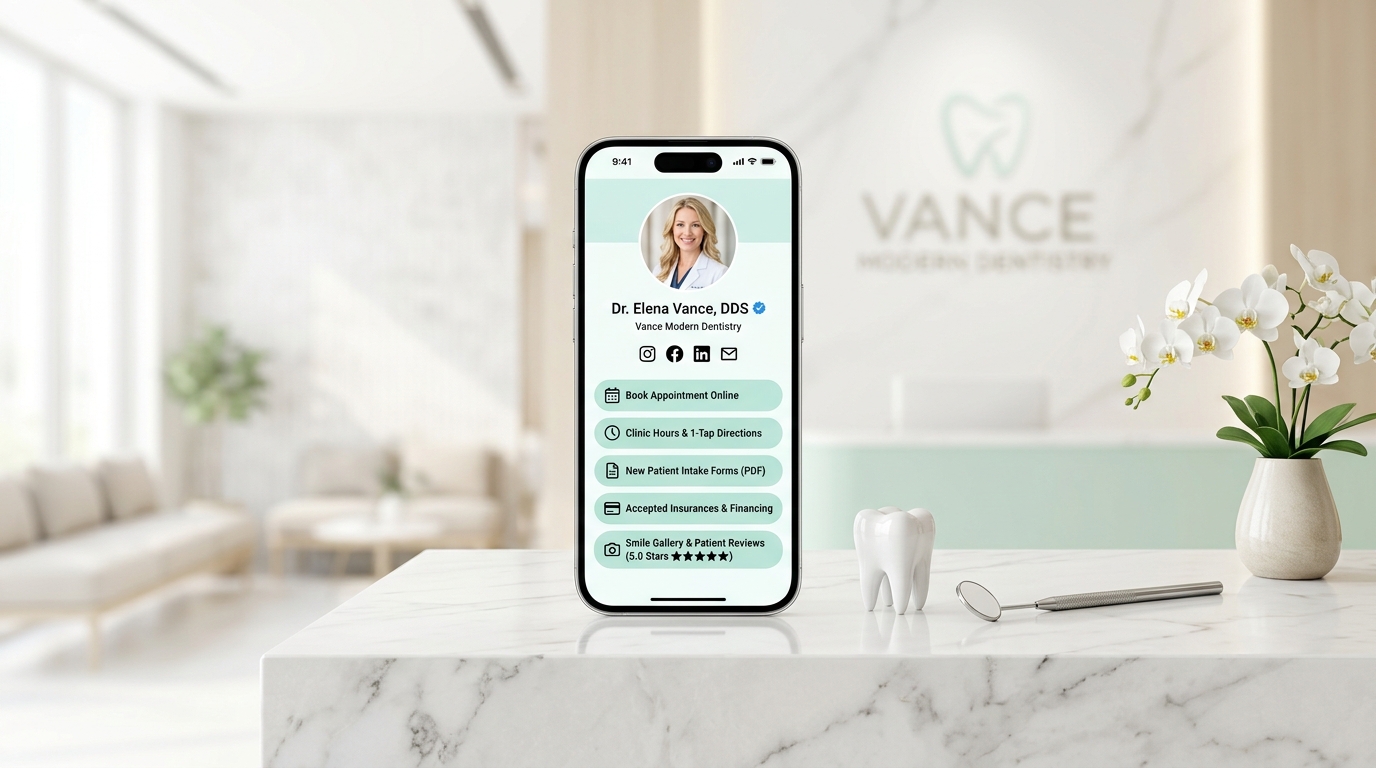
How Dentists Can Share Appointment Booking, Clinic Details, and Patient Resources
Discover how modern dental clinics, orthodontists, and cosmetic practices build a high-speed, light-theme …
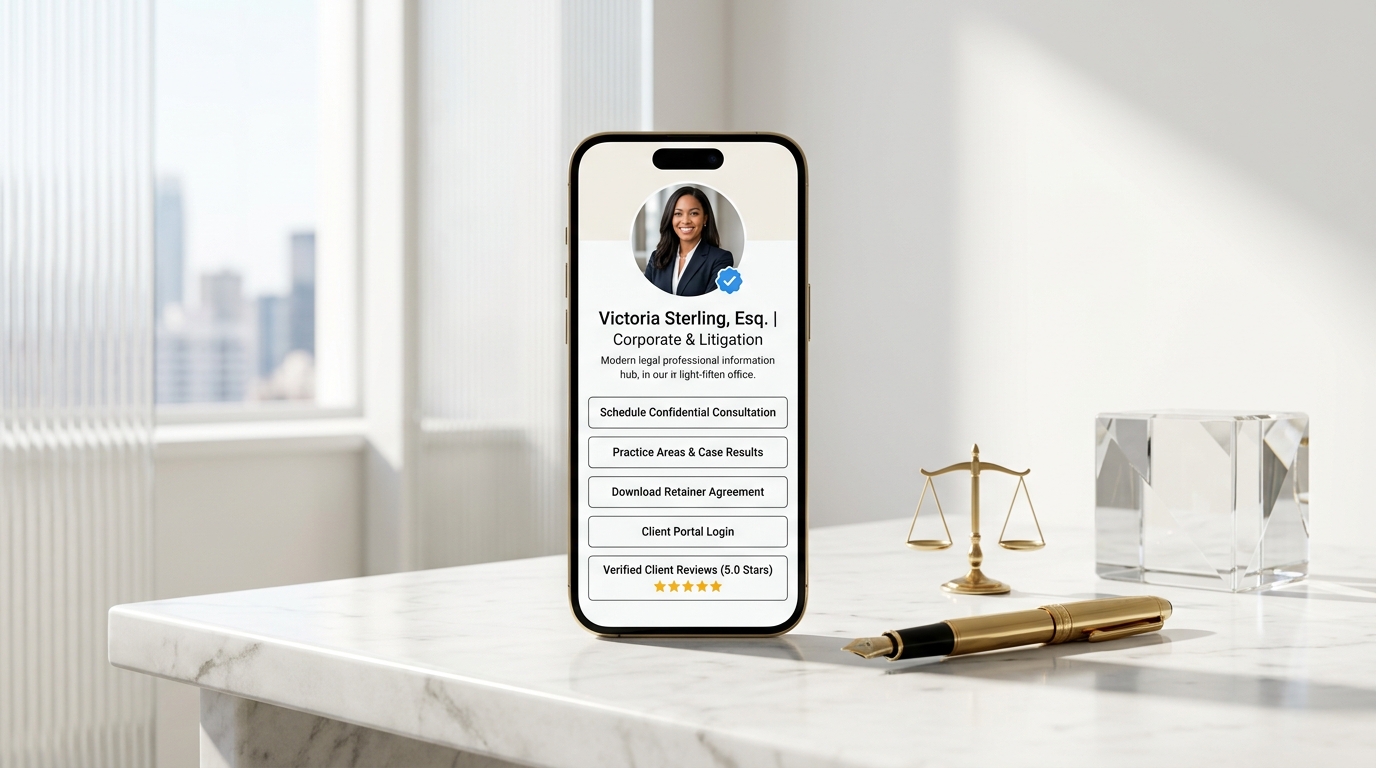
How Lawyers Can Build a Professional Online Information Hub
Discover how modern attorneys, solo practitioners, and boutique law firms build an ethical, high-speed, …