
What Is a Link in Bio? A Complete Guide for 2026
If you’ve spent any time on Instagram or TikTok, you’ve seen the phrase “link in bio.” Creators say it in captions, brands put it in their profiles, and everyone seems to have one. But what is a link in bio, exactly — and do you need one?
This guide breaks it down in plain English, then shows you how to set one up for free.
What does “link in bio” mean?
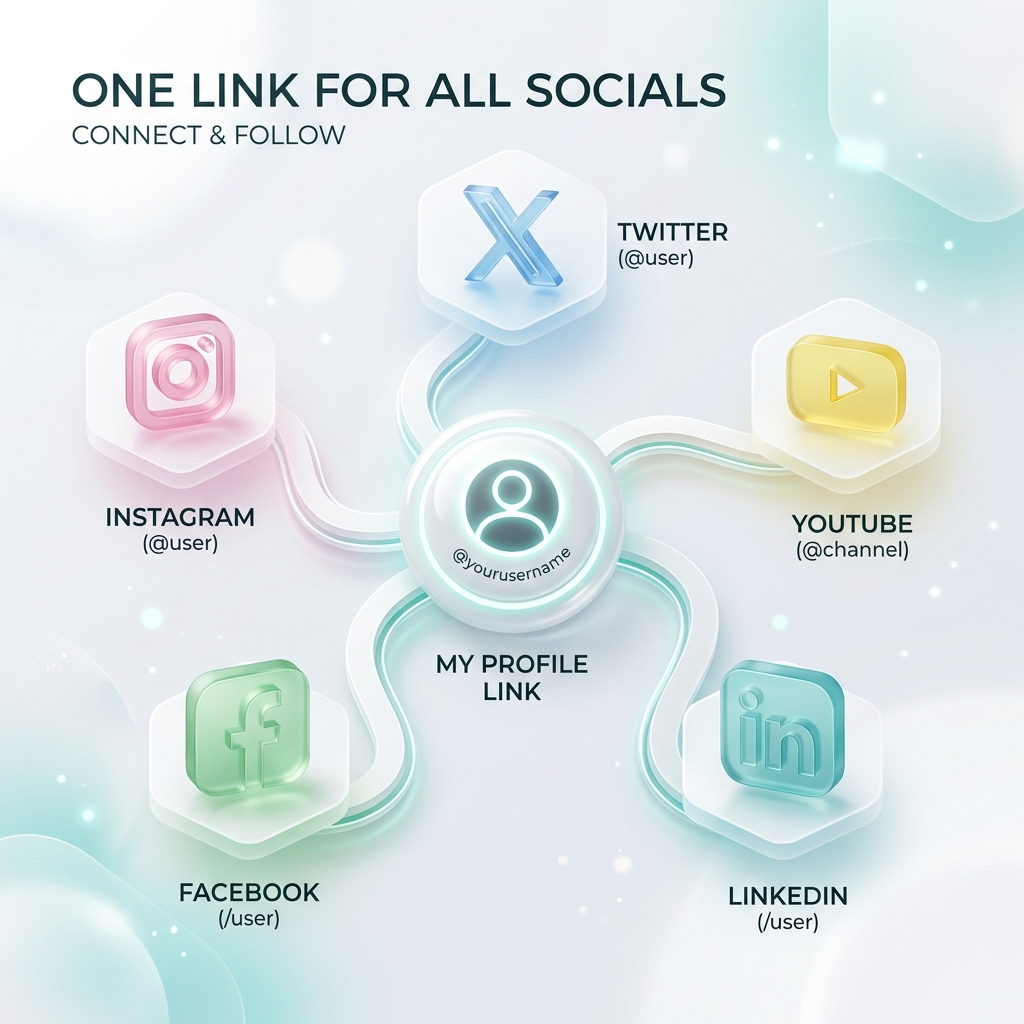
A link in bio is a single web page that collects all of your important links in one place. Instead of sending followers to just one destination, you point your profile’s one clickable link at a page that lists everything — your latest video, your music, your shop, your newsletter, and more.
The name comes from a limitation: most social platforms only let you put one clickable link in your profile bio. A link-in-bio page turns that single slot into a hub for your entire online presence.
Why do social platforms only allow one link?
Instagram, TikTok, and similar apps keep profiles clean and want you creating content, not editing links. So they give you exactly one tappable URL. That’s fine — until you have a new video and a product launch and a newsletter to promote at the same time.
A link-in-bio tool like OnlyLink solves this by giving you one link that leads to all of them.
What can you put on a link-in-bio page?
Pretty much anything you’d want to share:
- Links to your website, shop, or latest content
- Video and music embeds (YouTube, Spotify, TikTok) that play right on the page
- Collections that group related links together
- Social icons so people can find you everywhere
- A call-to-action — book a call, join a waitlist, buy a product
The best pages are curated, not cluttered. Lead with what matters most this week, and keep the rest tidy underneath.
Who needs a link in bio?
- Creators & influencers promoting content across platforms
- Musicians linking to every streaming service at once
- Small businesses sending traffic to products and bookings
- Freelancers showcasing a portfolio and contact options
- Anyone who wants one memorable link to share offline and on
How to create a link in bio (free)
- Claim your handle. Pick a username — your page lives at
yourname.onlylink.click. - Add your links. Paste in URLs, add media embeds, and group them into collections.
- Make it yours. Choose a theme, colors, and layout that match your brand.
- Share it. Copy your link into your Instagram, TikTok, and YouTube bios.
That’s it — you can be live in under a minute. Want the step-by-step for a specific platform? Read How to add a link in bio on Instagram.
Do link-in-bio pages help with SEO?
They can. A well-built bio page is server-rendered, fast, and indexable — which means it can show up in Google when people search your name or brand. We cover this in depth in Link in Bio SEO.
The bottom line
A link in bio is the simplest way to turn your one allowed link into a home for everything you share. It’s free to start, takes minutes to set up, and gives you analytics so you learn what your audience actually clicks.
Ready to build yours? Create your free OnlyLink page and claim your handle before someone else does.
Ready to build your link in bio?
Create your free OnlyLink page in under a minute unlimited links, analytics and custom designs.
Get started freeKeep reading
Adding a Tip Jar: Ko-fi, Patreon, and Buy Me a Coffee in Your Bio
Discover how to add a tip jar to your link-in-bio page using Ko-fi, Patreon, and Buy Me a Coffee. Learn why …
How Creators Are Making Money with Their Link-in-Bio Page
Discover how modern creators turn single bio links into multi-stream revenue hubs. Learn the top monetization …