The Ultimate Link in Bio Guide for Content Creators (2026 Edition)
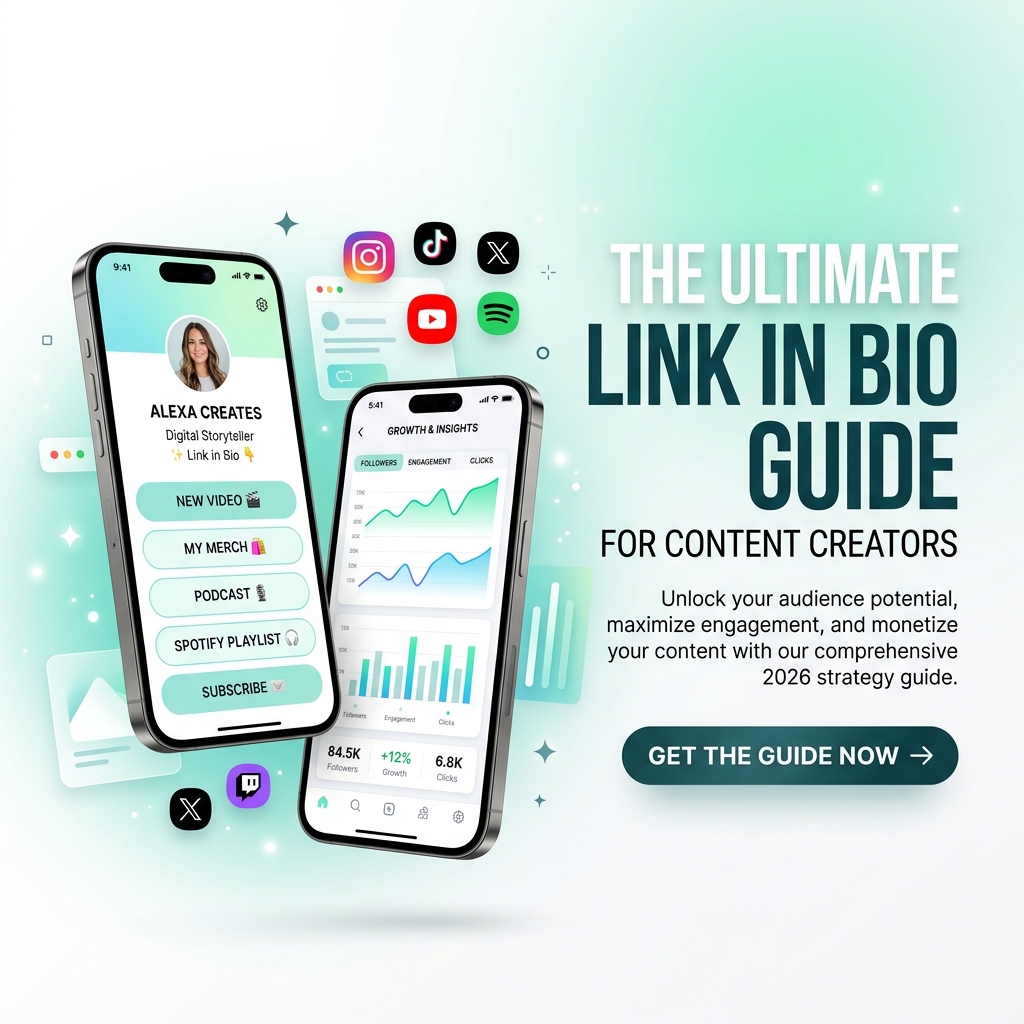
In today’s fast-paced creator economy, your social media profiles act as the digital front door to your personal brand. Whether you publish viral Shorts on TikTok, stream gaming on Twitch, share aesthetic photos on Instagram, or write deep-dive threads on X and LinkedIn, you share one common challenge: converting transient social scrollers into an engaged, monetizable community.
Social platforms are designed to keep users scrolling inside their own walled gardens. Algorithms change constantly, reach fluctuates, and links in post captions are often throttled. That leaves your link in bio as the single most critical bridge between your social audience and your digital products, portfolio, email newsletter, and merchandise.
In 2026, top-performing creators no longer treat their bio link as a basic list of plain URLs. They treat it as a high-converting micro-website and creator command center.
This ultimate guide breaks down everything you need to know to build, design, and optimize a world-class link in bio page that drives engagement, boosts conversions, and scales your creator business.
The 2026 Creator Ecosystem: Why Your Bio Link Matters More Than Ever
Every social platform has distinct strengths and limitations:
- Instagram & TikTok: Exceptional for viral visual discovery, but severely restrict outward links in individual post captions.
- YouTube: Great for long-form video depth and search longevity, but description links are often overlooked on mobile TV/app viewports.
- LinkedIn & X (Twitter): High B2B and professional intent, but algorithms penalize posts containing outward links in the main text.
A centralized, responsive bio link hub solves this multi-platform fragmentation. Instead of constantly changing your bio URL every time you release a new video or launch a product, your bio link acts as a permanent, dynamic destination that aggregates all your value channels into one seamless mobile experience.
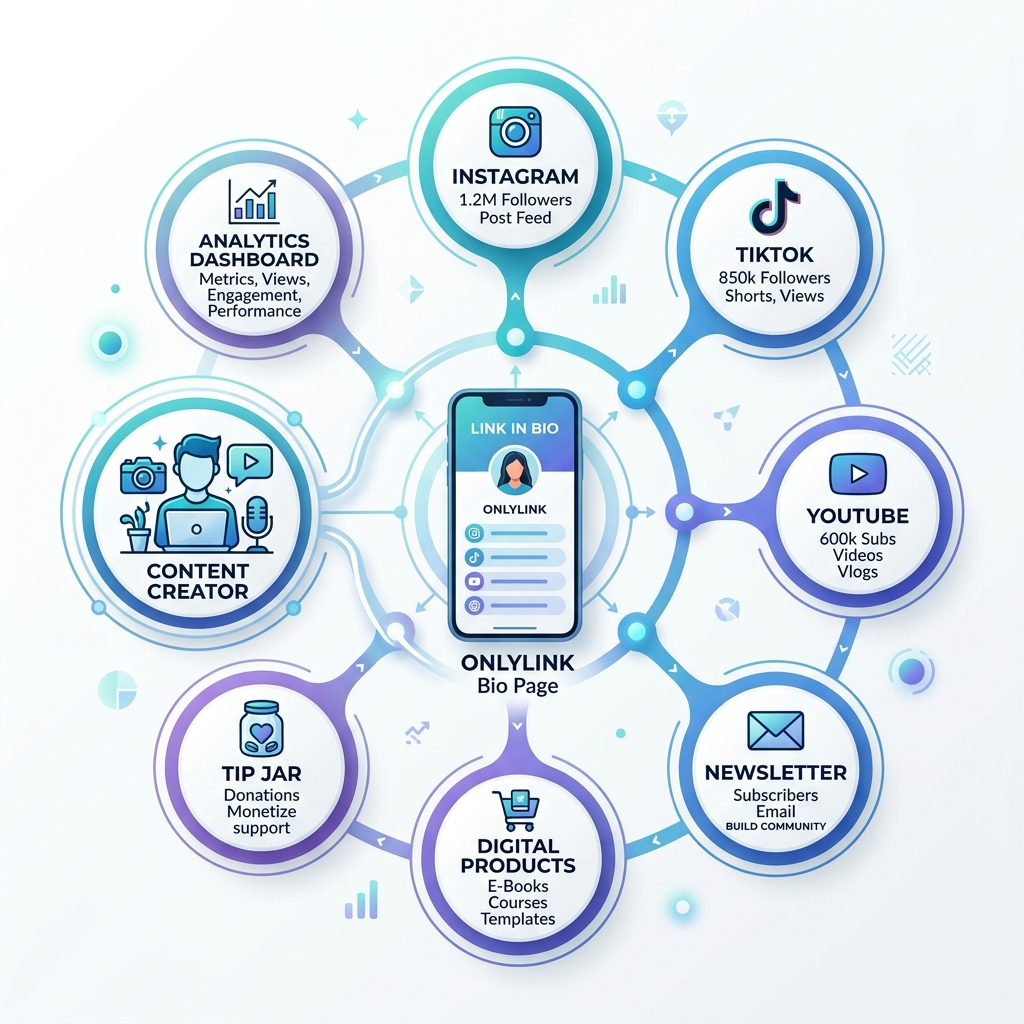
When social traffic from all your channels flows into a unified page hosted on OnlyLink, every single visitor is presented with clear, friction-free paths to engage, support, or buy.
4 Core Pillars of a High-Converting Creator Bio Page
To maximize your bio link conversion rates, your page must balance aesthetic elegance with strategic information architecture. Follow these 4 proven design pillars:
1. Instant Visual Identity & Brand Consistency
Your bio page should feel like an organic extension of your social media profiles. When a user clicks your link, there should be zero visual disconnect.
- Avatar & Profile Photo: Use a high-resolution headshot or recognized brand logo with a distinct border or shape mask (e.g., squircle or hexagon) that matches your primary social profile picture.
- Color Palette & Theme Vibe: Select harmonious background colors, gradients, and button styles. Dark mode themes (like midnight or cyber violet) perform exceptionally well for tech, gaming, and nightlife creators, while fresh pastel or minimal themes suit lifestyle and wellness creators.
- Custom Wallpapers: Utilize animated subtle gradients or patterned mesh backgrounds to add depth without distracting from your content buttons.
2. Strategic Link Hierarchy (The 3-Second Rule)
On mobile devices, visitors make a stay-or-bounce decision within 3 seconds. Avoid cluttering your page with 20 unorganized links.
- Limit Primary Links to 5–7 Key Actions: Focus on your highest-value goals (e.g., flagship product, newsletter sign-up, latest video, and contact form).
- Use Visual Cards & Layout Options: Differentiate links visually! Use full-width featured cards for major announcements, classic buttons for standard links, and compact icon rows for secondary social profiles.
- Featured Badges & Animations: Add subtle pulse or glowing badge indicators to your top offer (e.g., "🚀 New Masterclass" or "🔥 Trending Track").
3. Native Embedded Media & Interactive Content
Modern bio link platforms like OnlyLink allow you to embed interactive media directly onto your page, keeping visitors engaged without forcing them to open external browser tabs:
- YouTube & Spotify Embeds: Let visitors preview your latest podcast episode or YouTube video directly inside your bio page.
- Interactive Forms & Polls: Collect audience feedback or newsletter subscriptions natively.
- Custom QR Codes: Generate custom-branded QR codes to share your bio link at live events, podcasts, or physical products.
4. Lightning Fast Mobile Performance
Over 92% of bio link traffic originates from mobile devices. If your page takes more than 2 seconds to load, bounce rates skyrocket by over 50%. Ensure your bio link tool uses optimized CDN assets, responsive web design standards, and modern image formats (WebP/AVIF).
How to Monetize Your Bio Link: 5 Proven Revenue Streams
Your bio link is not just a directory—it is a 24/7 revenue-generating sales funnel. Here are 5 ways creators monetize their bio hubs:
                  ┌─────────────────────────────────────────┐
                  │    Social Traffic (Insta, TikTok, YT)   │
                  └────────────────────┬────────────────────┘
                                       │
                                       ▼
                  ┌─────────────────────────────────────────┐
                  │       OnlyLink Bio Hub Destination      │
                  └────┬───────────────┬───────────────┬────┘
                       │               │               │
        ┌──────────────┴─┐     ┌───────┴────────┐    ┌─┴──────────────┐
        │ Digital Sales  │     │ Direct Support │    │ Lead Capture   │
        │ Presets/eBooks │     │ Tip Jar/Coffee │    │ Email/SMS List │
        └────────────────┘     └────────────────┘    └────────────────┘
1. Direct Sales of Digital Products & Micro-Offers
Sell digital items directly from your link page. High-converting micro-offers ($5 – $49) include:
- Notion templates & productivity dashboards.
- Lightroom presets & photo LUTs.
- Fitness e-books & workout trackers.
- MIDI sample packs & music stems.
2. Tip Jars & Fan Contributions
Enable your most loyal supporters to contribute directly to your creative projects. Adding a Tip Jar or “Buy Me a Coffee” button with preset options ($3, $5, $10) provides a low-barrier way for fans to appreciate your free content.
3. Sponsored Brand Partnerships & Affiliate Links
Organize your sponsored affiliate discount codes into clean, categorized product cards. Adding promo badges (e.g., “Use code CREATOR10 for 15% off”) increases click-through rates and affiliate commission payouts.
4. Email Newsletter Lead Magnets
Social media algorithms can change overnight, but your email list is an owned channel that you control. Feature a free lead magnet (e.g., “Free Creator Toolkit PDF”) at the top of your bio page to turn social visitors into lifelong email subscribers.
5. High-Ticket Booking & Consultation Services
If you offer 1-on-1 coaching, strategy calls, or freelance services, embed direct booking links (e.g., Calendly or custom booking forms) to allow clients to reserve time directly from your bio link.
Step-by-Step: Setting Up Your Bio Hub on OnlyLink
Setting up a professional bio page takes less than 5 minutes on OnlyLink:
- Claim Your Custom Handle: Sign up and claim your unique username (e.g.,
onlylink.click/yourname). - Complete the Profile Wizard: Upload your avatar, enter your display name, short bio tagline, and category.
- Choose Your Visual Vibe: Select from premade gradient wallpapers, accent colors, and custom button shapes.
- Add & Customize Links: Add your primary links, social icons, tip jar, and embedded media cards.
- Paste Your Link Everywhere: Copy your new OnlyLink URL and update your bios across Instagram, TikTok, YouTube, X, Threads, and LinkedIn!
Advanced Growth: Analytics & Continuous Optimization
Building your page is only the first step. To maximize long-term growth, monitor your OnlyLink Analytics Dashboard:
- Click-Through Rate (CTR): Track which links get the most engagement and reposition low-performing links.
- Geographic & Device Distribution: Discover where your global audience lives and tailor your offers to their local timezone or device preference.
- Conversion Tracking: Audit link performance weekly to double down on what drives revenue.
Summary Checklist for Creator Success
| Optimization Step | Action Required | Status |
|---|---|---|
| Branding | High-res profile picture, consistent handle, branded bio copy | ✅ |
| Visual Design | Harmonious color theme, clear button hierarchy, readable font | ✅ |
| Link Structure | Top 5 priority links prioritized, non-essential links removed | ✅ |
| Monetization | Tip jar enabled, digital products & affiliate links highlighted | ✅ |
| Cross-Platform | Link updated across Instagram, TikTok, YouTube, and LinkedIn | ✅ |
By turning your link in bio into an organized, beautiful, and monetizable creator hub, you gain complete ownership over your audience journey.
Ready to level up your digital identity? Create your free OnlyLink profile today and start converting followers into growth!
Ready to build your link in bio?
Create your free OnlyLink page in under a minute unlimited links, analytics and custom designs.
Get started freeKeep reading
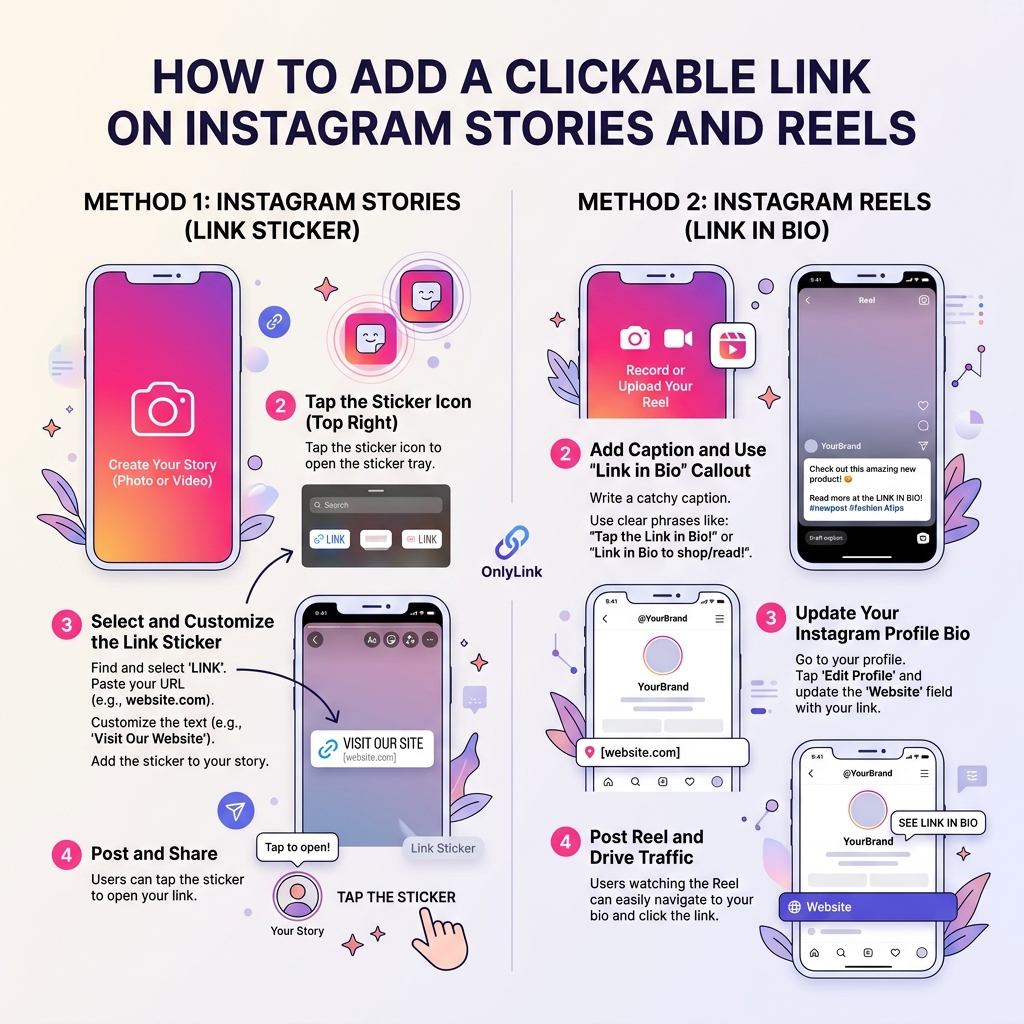
How to Add a Clickable Link on Instagram Stories and Reels
Master the step-by-step guide to adding clickable links on Instagram Stories and Reels. Learn how to convert …
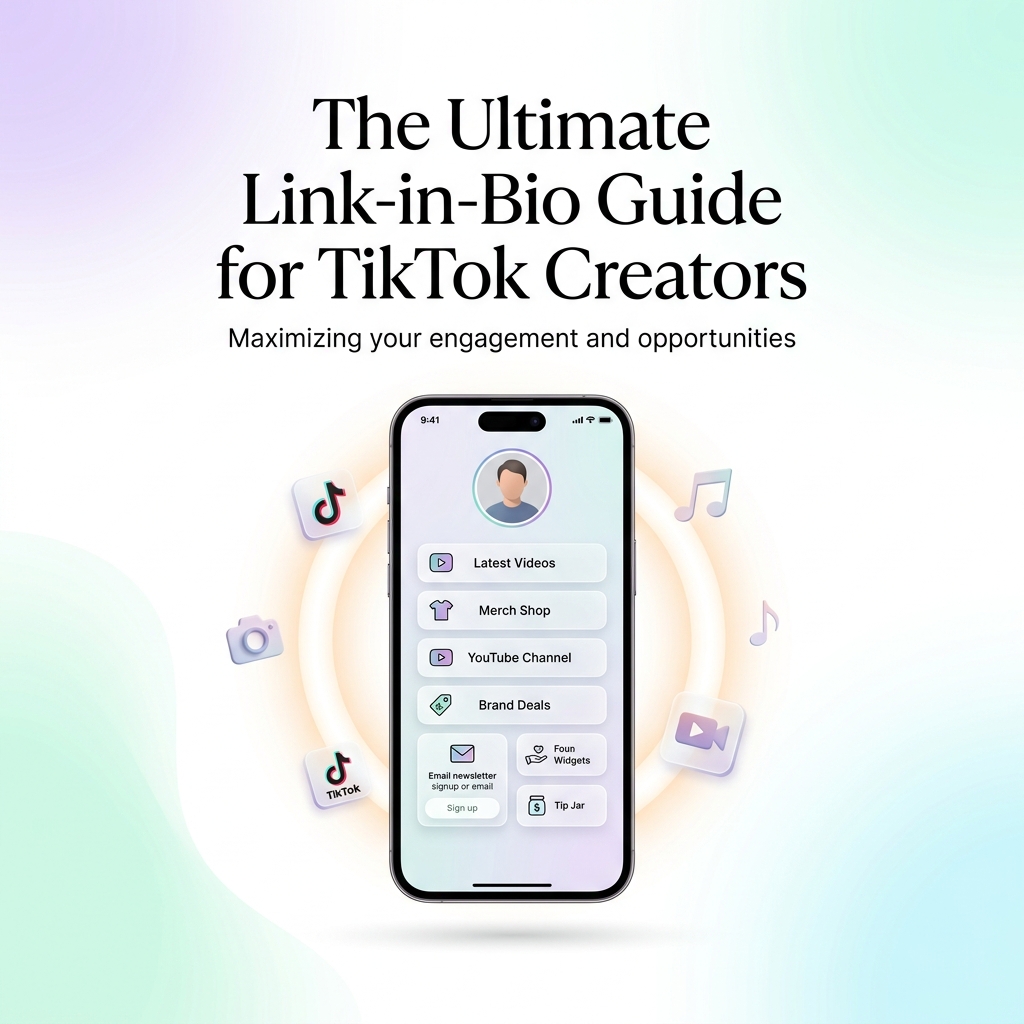
The Ultimate Link-in-Bio Guide for TikTok Creators
Master your TikTok bio strategy, convert short-form video views into sales, build an owned audience, and …