
Link in Bio SEO: How to Rank Your Bio Page on Google
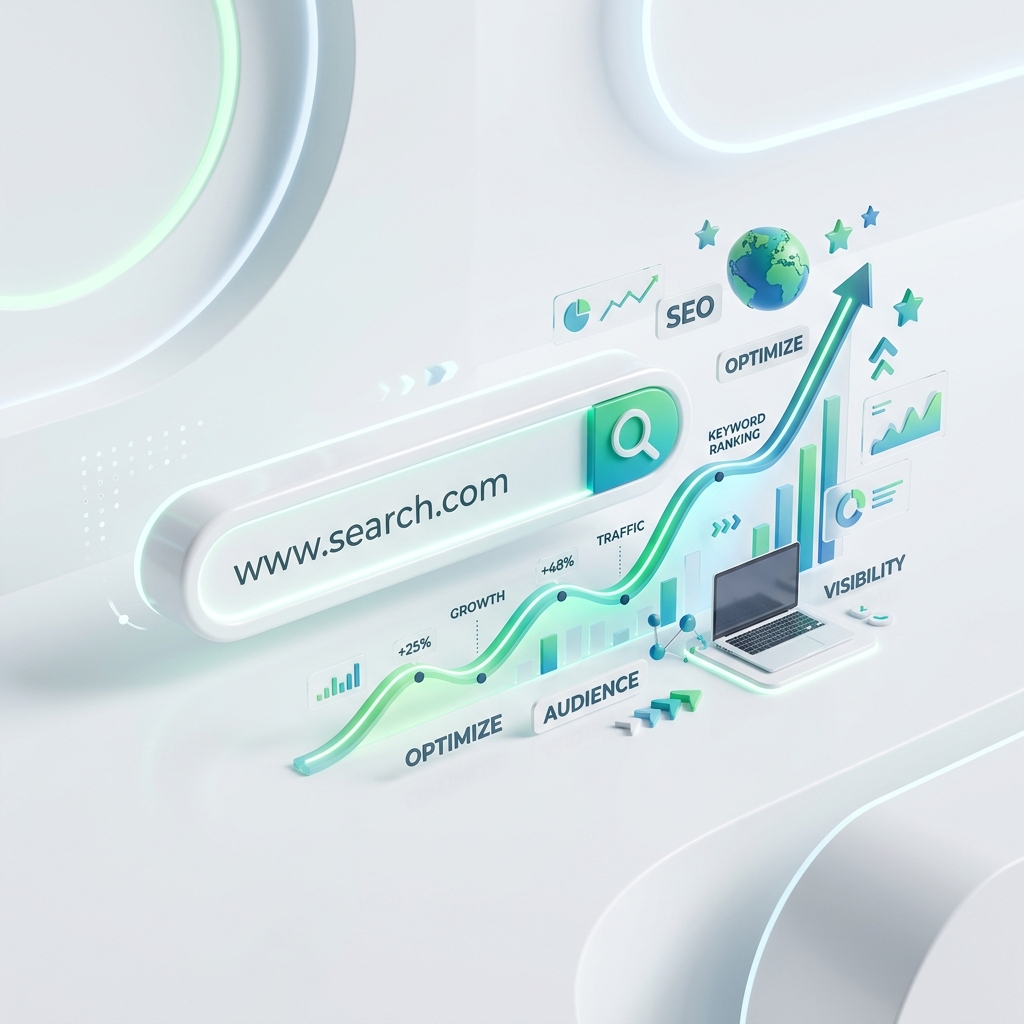
Most people treat their link in bio as a place followers land — not a place new people discover them. That’s a missed opportunity. A well-built bio page can rank in Google for your name, your brand, and even topic searches. Here’s how to do link in bio SEO properly.
Can a link in bio page rank on Google?
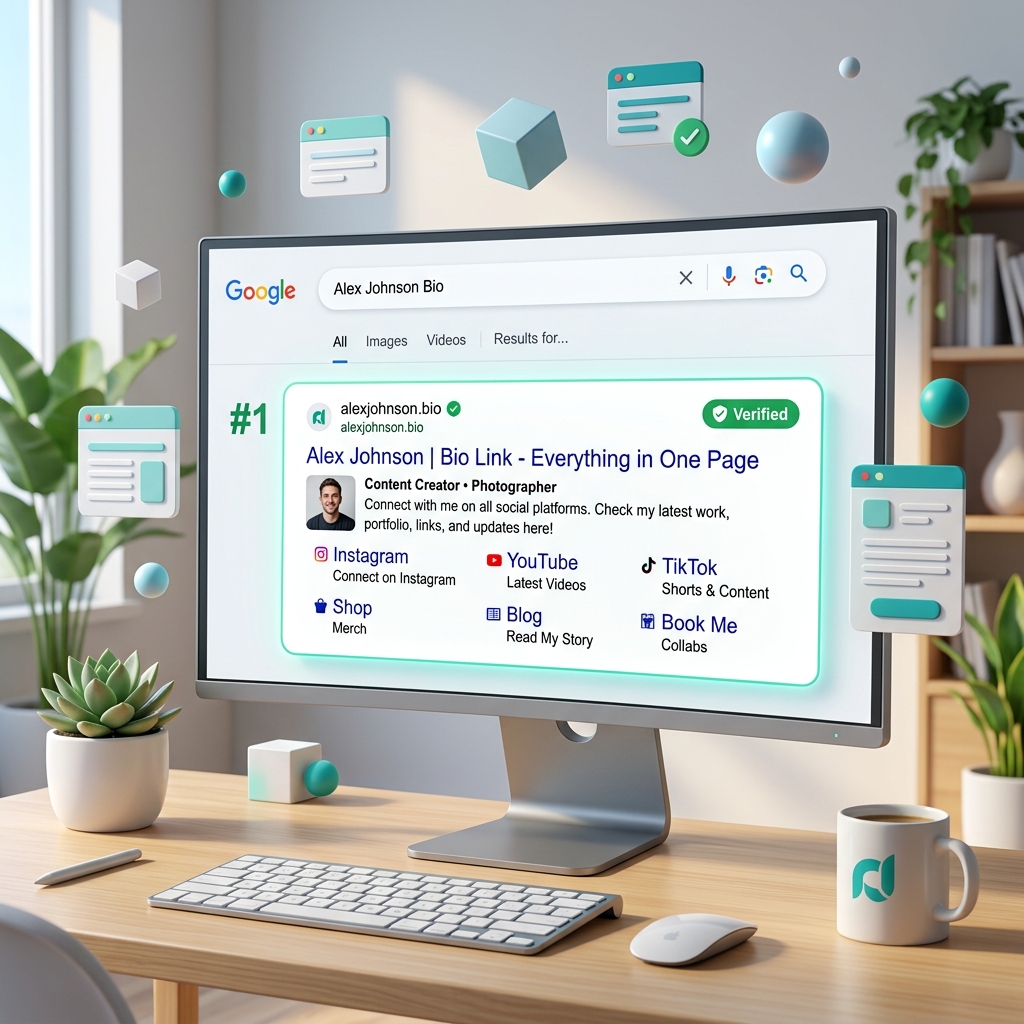
Yes — if it’s built right. Search engines can index a bio page as long as it is:
- Server-rendered (the content exists in the HTML, not only after JavaScript runs)
- Crawlable (not blocked by
noindexorrobots.txt) - Fast and mobile-friendly
Many bio tools fail the first test. OnlyLink pages are server-rendered and SEO-friendly by default, so they can be found in search.
The on-page SEO checklist for your bio page
1. Use a clear, keyword-aware title and bio
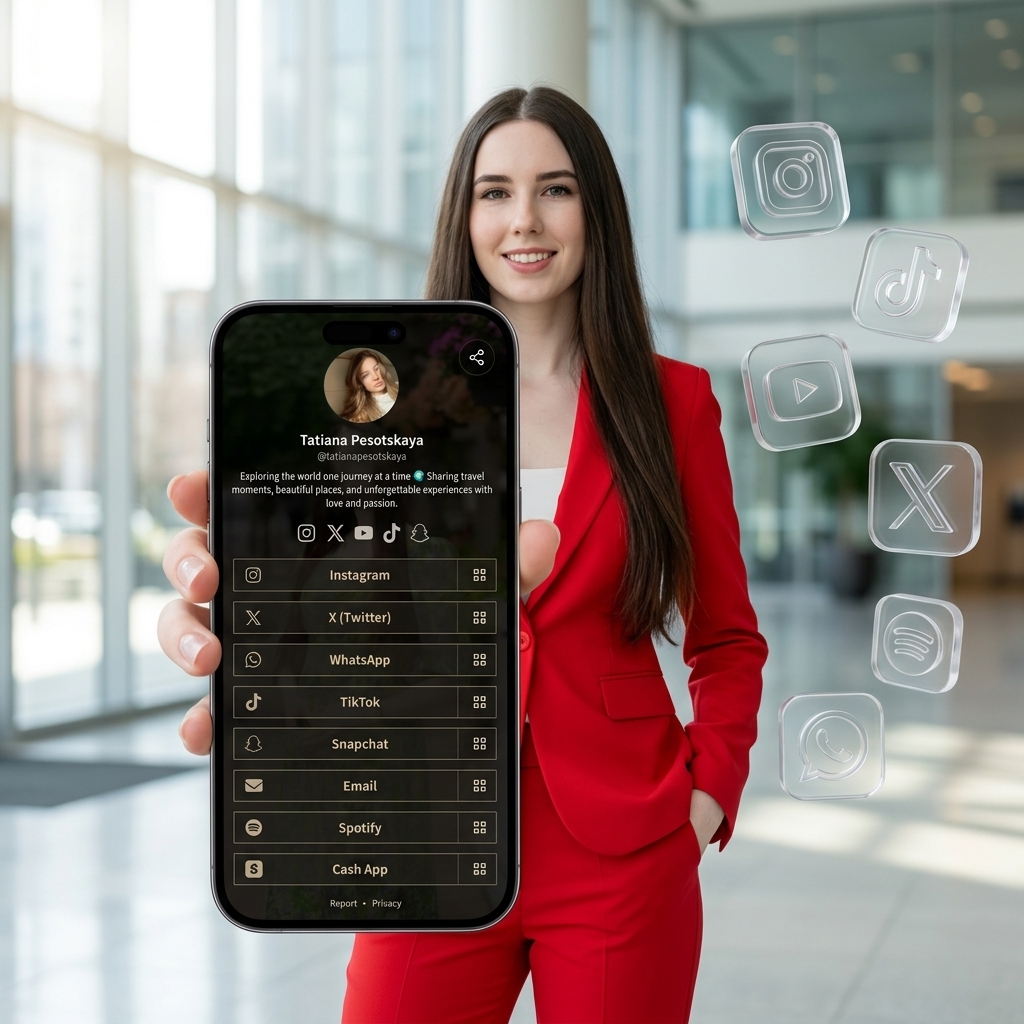
Your name and what you do should be obvious. “Maya Rivera — Vegan Recipes & Meal Plans” tells both people and Google what your page is about. Avoid vague one-word bios.
2. Write descriptive link labels
“My latest cookbook” beats “Click here.” Descriptive labels give search engines context and help visitors choose — a win for both SEO and conversions.
3. Claim a clean, memorable URL
A tidy address like yourname.onlylink.click is easy to share, easy to remember, and easy for search engines to associate with your brand.
4. Add a real profile photo and alt text
Images with meaningful alt text improve accessibility and give search engines more signal about who you are.
5. Keep the page focused
A page about ten unrelated things ranks for none of them. Lead with a clear theme and group the rest into collections.
Technical SEO: the things that quietly matter
- Speed: Fast pages rank better and lose fewer visitors. Prioritize tools with lightweight, mobile-first pages.
- Structured data: Markup that describes your page (like your name and links) helps search engines understand it.
- Canonical URLs & indexing control: You should be able to choose whether a page is indexed. OnlyLink lets you control this per page in settings.
- HTTPS: A secure page is table stakes for ranking. Every OnlyLink page is served over HTTPS.
| SEO Requirement | Standard Bio Tools | OnlyLink |
|---|---|---|
| Rendering Engine | Client-side JS (Hard to crawl) | Server-rendered HTML (100% Crawlable) |
| Page Speed (CWV) | Heavy bundles & slow LCP | Instant Mobile Load (98+ Score) |
| Structured Data | None or basic fallback | Schema.org Person & ProfilePage |
| Meta Control | Locked behind paid tier | Full Title, Meta & OG Control |
Build authority beyond the page
On-page SEO gets you eligible to rank; links and consistency get you there:
- Put your bio link in every social profile so platforms and people point to it.
- Use the same handle everywhere to reinforce your brand.
- Share your page from content, newsletters, and collaborations to earn natural links.
Measure, then improve
SEO is a loop: publish, measure, refine. Use your page analytics to see which links get clicked and which search terms bring people in, then adjust your labels and priorities to match real demand.
Common link-in-bio SEO mistakes
- Relying on a tool that renders content only in JavaScript (invisible to some crawlers)
- Leaving the default
noindexon when you want to be found - Stuffing the page with dozens of unrelated links
- Ignoring page speed on mobile
Put it into practice
Good link-in-bio SEO isn’t complicated — it’s a clear title, descriptive labels, a clean URL, fast rendering, and consistency. Start with a page that’s indexable by default: create your free OnlyLink.
Want the fundamentals first? Read What is a link in bio? or compare options in the best link in bio tool for creators.
Ready to build your link in bio?
Create your free OnlyLink page in under a minute unlimited links, analytics and custom designs.
Get started freeKeep reading
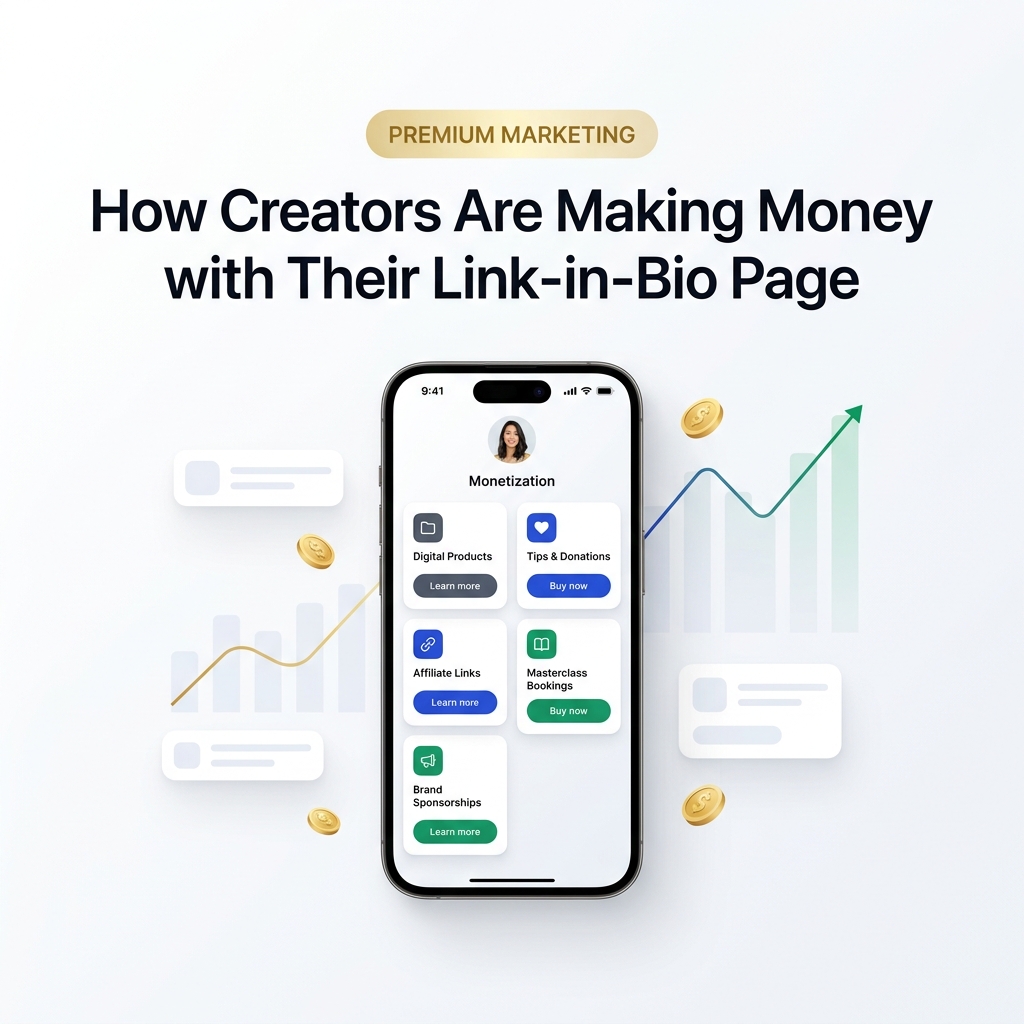
How Creators Are Making Money with Their Link-in-Bio Page
Discover how modern creators turn single bio links into multi-stream revenue hubs. Learn the top monetization …
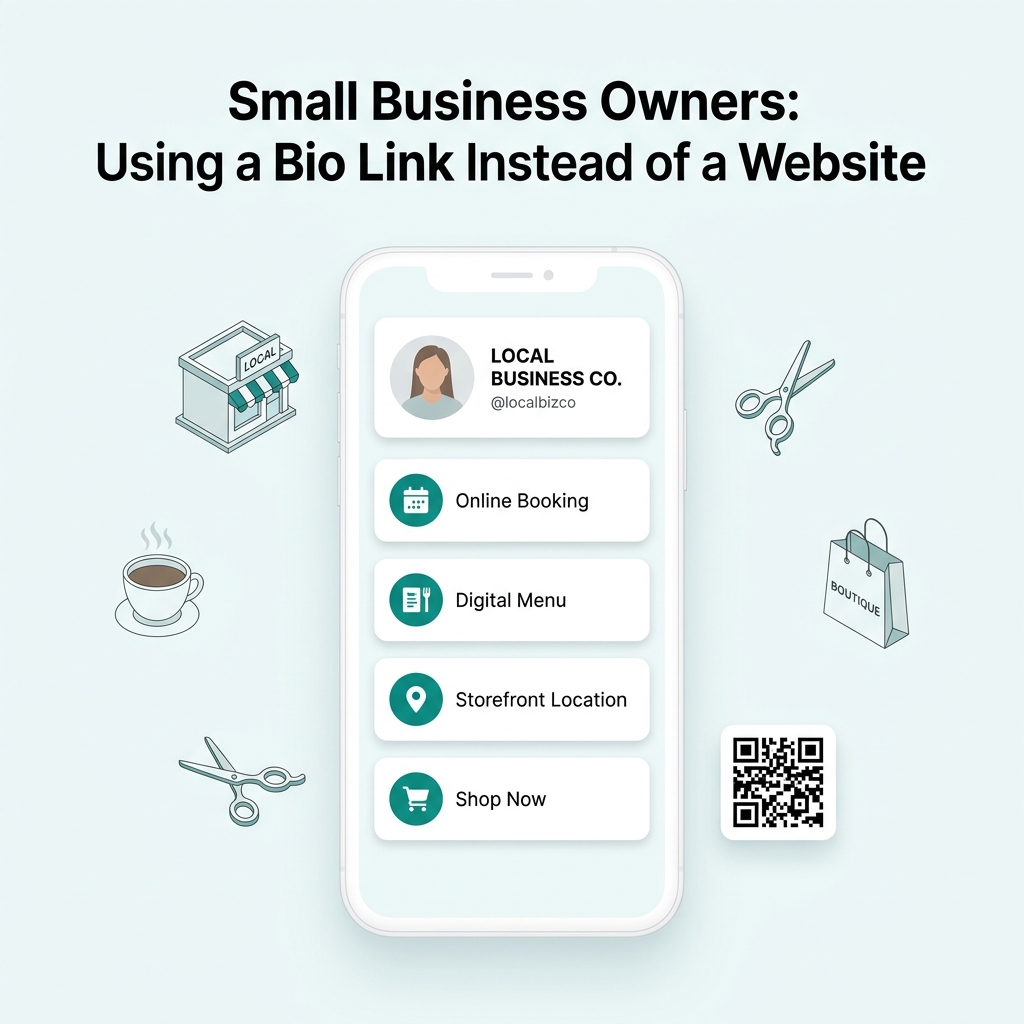
Small Business Owners: Using a Bio Link Instead of a Website
Discover why small business owners are replacing expensive, complex websites with streamlined Bio Link …