
How to Drive Traffic from Instagram to Your Online Store (2026 Strategy)
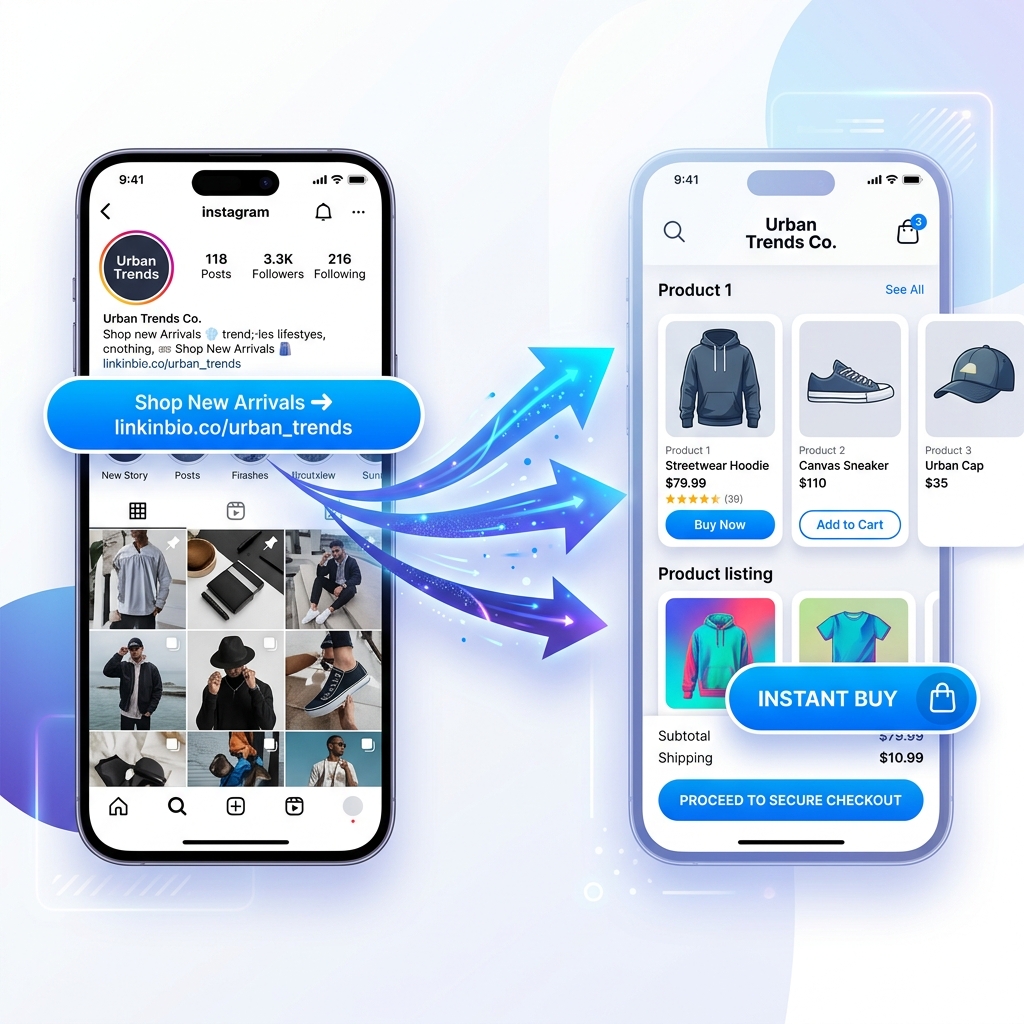
Instagram is one of the most powerful visual product discovery engines on the planet. With over 2 billion active monthly users scrolling through viral Reels, aesthetic feed posts, and daily Stories, it is where millions of shoppers discover their next favorite apparel brand, digital course, skincare product, or gadget.
Yet, for many e-commerce store owners, digital creators, and boutique brands, there is a painful paradox:
High Instagram views and likes, but frustratingly low online store traffic and sales.
You post engaging short-form video reels, write thoughtful captions, and design eye-catching product photos. But when you check your Google Analytics or Shopify referral reports, Instagram accounts for only a tiny trickle of actual store visits.
Why does this happen? Friction.
Instagram is designed to keep users inside its app. Every extra tap, slow page load, or confusing navigation step standing between a scroller and your checkout button causes traffic leakage.
To convert social attention into revenue, you need a streamlined system that bridges social curiosity with instant e-commerce purchasing. Here is your step-by-step guide on how to drive high-converting traffic from Instagram to your online store in 2026.
The Architecture of the Instagram-to-Store Traffic Funnel
Before diving into individual tactics, understand how modern social buyers navigate from discovery to checkout.
Rather than sending all social traffic directly to a complex desktop homepage, high-converting brands use a multi-touchpoint mobile funnel:
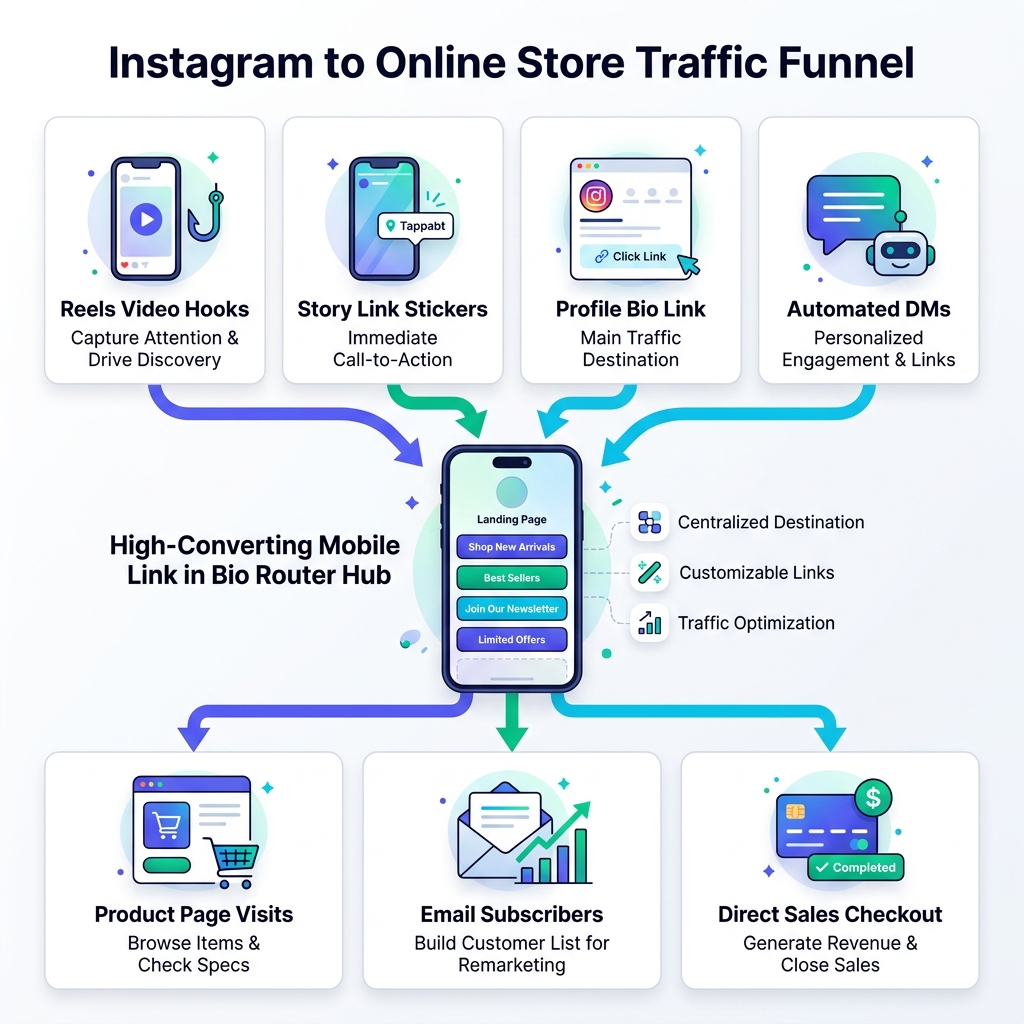
Every content piece—whether a viral Reel, an interactive Story sticker, an automated DM trigger, or a bio link highlight—serves as an entry point into a centralized, lightning-fast mobile bio link hub like OnlyLink, which immediately routes visitors to their exact product of interest.
7 Proven Strategies to Increase Instagram Store Traffic
1. Transform Your Bio Link into a Mobile E-Commerce Gateway
Your Instagram profile bio link is the most valuable digital real estate on your page. Yet, pointing it to a static multi-page website homepage is one of the biggest conversion mistakes you can make.
When a follower watches a Reel about a specific hoodie and taps your bio link, landing on a generic homepage forces them to search through categories, search bars, and pop-ups. Most users bounce within 3 seconds.
The Fix:
- Replace static homepage links with a dynamic micro-hub powered by OnlyLink.
- Place your #1 active product campaign or collection at the very top of your bio hub.
- Group secondary items into clean, organized collections (e.g., “Best Sellers”, “New Summer Drop”, “Under $50 Favorites”).
- Keep primary action buttons limited to 5–7 high-priority links to avoid choice paralysis.
2. Implement the “Micro-Commitment” CTA in Reels & Shorts
Short-form Reels drive the highest organic reach on Instagram today. However, simply adding “Link in bio to shop!” to your caption text is no longer enough—over 70% of viewers scroll past captions entirely.
To drive action, build a verbal and visual micro-commitment directly into your video content:
- The 3-Second Visual Hook: Show the physical product in action within the first 3 seconds (e.g., unboxing, wearing, or demonstrating results).
- On-Screen Text Overlay: Include a persistent on-screen text bubble: “Tap bio link @yourbrand for 20% off today!”.
- The End-Screen Verbal Cue: State clearly in the final 2 seconds: “I linked the exact shade in my bio hub under ‘Summer Makeup Bundle’!”.
Giving viewers a specific name or location to look for when they open your bio link dramatically boosts click-through rates (CTR).
3. Build Permanent Story Highlight Vaults with Link Stickers
Instagram Stories offer a direct click mechanism through Link Stickers. Unlike feed posts, Stories allow users to tap straight out of the app.
Since regular Stories vanish after 24 hours, top e-commerce brands organize their highest-performing product Stories into Permanent Profile Highlights.
How to Structure Your Store Highlight Vaults:
- 🛍️ “New Arrivals”: Updated weekly with direct Link Stickers to fresh store drops.
- ⭐ “Customer Reviews”: User-generated photos and video reviews paired with direct purchase stickers.
- ❓ “Size & Fit Guide”: Short video explanations showing how items fit, removing buyer hesitation before they click.
- 🎁 “Free Shipping Deals”: Highlighting current promo codes and discount link stickers.
4. Leverage DM Automation for Instant Keyword Link Delivery
One of the fastest-growing trends in social e-commerce is Keyword-Triggered DM Automation (using tools like ManyChat integrated with Instagram).
Instead of forcing users to navigate away from their feed to visit your bio:
- Post a Reel or Story demonstrating a product.
- Tell viewers in the caption: “Comment ‘GLOW’ below and I’ll DM you the direct instant purchase link!”.
- An automated script immediately sends a personalized direct message containing your specific OnlyLink product card URL.
This tactic achieves a 90%+ open rate in direct messages while keeping the user engaged in your comments section, which signals the Instagram algorithm to push your Reel to even more non-followers.
5. Drive FOMO with Flash Sales & Countdown Banners
Urgency remains one of the strongest behavioral drivers in e-commerce. If followers believe a product will be available indefinitely, they postpone clicking.
How to Add Purchasing Urgency on Instagram:
- Use Countdown Stickers in Stories: Launch a 24-hour countdown timer for a limited inventory drop.
- Add Highlighted Announcement Banners in Your Bio Hub: In your OnlyLink dashboard, activate a highlighted visual badge above your store link (e.g., "🔥 Flash Sale: 30% Off Ends Tonight").
- Limit Quantity Callouts: Write microcopy like “Only 45 units remaining in stock” directly on your bio link CTA buttons.
6. Embed Shoppable Product Cards & Rich Media Direct Previews
Why force followers to leave your page to inspect a product when they can preview rich media inline?
Modern bio link platforms like OnlyLink allow you to embed rich interactive media cards directly onto your bio hub:
| Friction Point | Traditional Bio Link | Modern OnlyLink E-Commerce Hub |
|---|---|---|
| Product Demos | Forces user to leave app to watch YouTube video | Plays embedded video preview inline |
| Audio/Podcast Reviews | External music app redirection | Inline Spotify / Apple Podcast audio player |
| Product Catalogs | Static text links | Interactive visual product cards with prices & buy buttons |
| Email Signups | External landing page redirect | Instant embedded newsletter lead form |
Keeping rich media preview inline builds purchase intent before sending the user to your final checkout page.
7. Analyze Attribution & Refine High-CTR Links
If you don’t measure where your clicks come from, you can’t optimize your store traffic strategy.
Regular Instagram analytics only show overall profile visits. To know which specific product links generate revenue, track performance with first-party bio link analytics:
- Track CTR by Link Position: Identify which position on your page receives the highest tap volume.
- Compare Referral Platforms: Measure whether your Instagram traffic or TikTok traffic has higher purchase intent.
- UTM Tag Integration: Attach custom UTM tags to your OnlyLink buttons (
?utm_source=instagram&utm_medium=bio_link&utm_campaign=summer_drop) so your Shopify or Google Analytics dashboard attributes every dollar correctly.
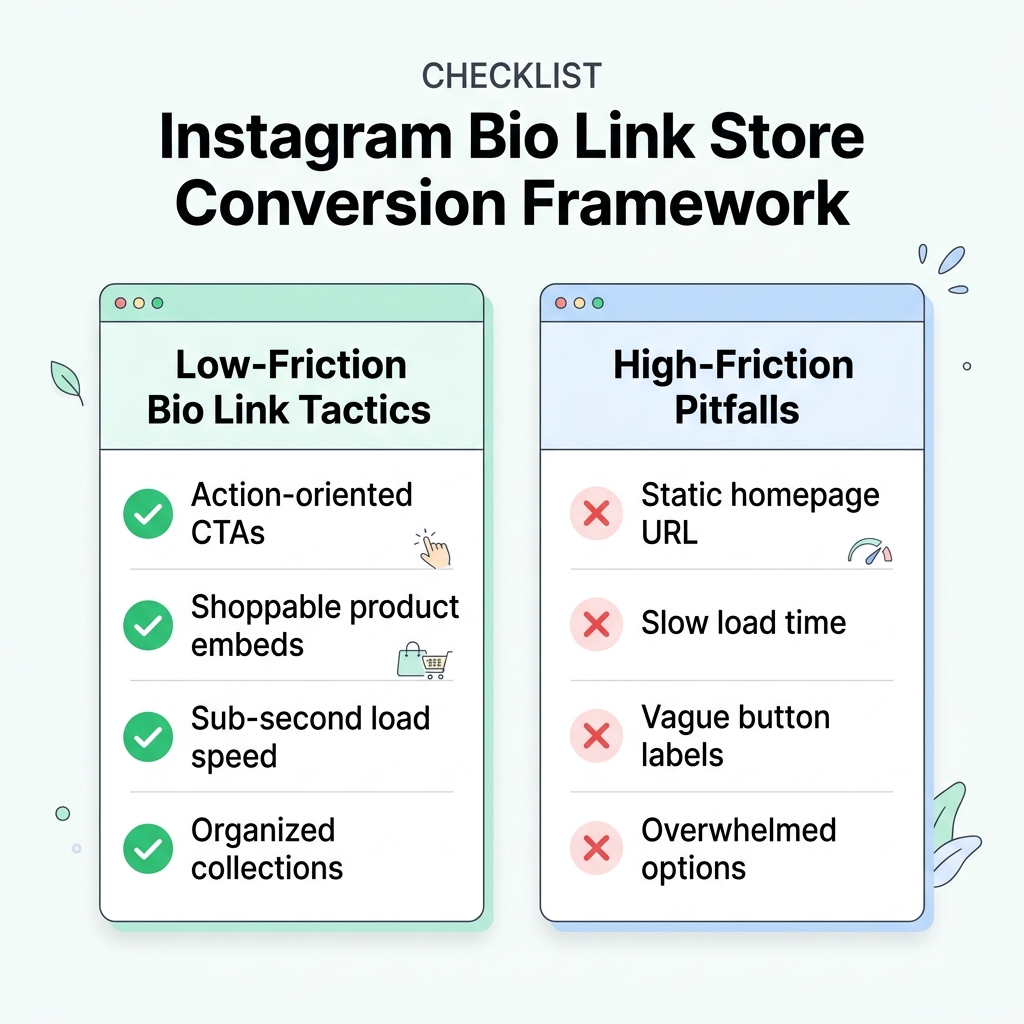
Summary Checklist: Low-Friction vs. High-Friction Instagram Traffic
To audit your current Instagram e-commerce setup, compare your profile against this conversion framework:
- ✅ Action-Oriented CTAs: Microcopy tells visitors what value they get rather than generic nouns (“Shop 20% Off Linen Shirts” vs “Store”).
- ✅ Sub-Second Bio Link Load Time: Page renders in < 1s over 4G mobile networks.
- ✅ Shoppable Product Cards: Key items featured visually right at the top of your bio hub.
- ✅ DM Keyword Triggers: Automation delivers links directly to interested commenters.
- ❌ Avoid: Linking to a desktop-heavy, slow-loading homepage.
- ❌ Avoid: Piling 30 unorganized, identical links onto a bio page.
Turn Your Instagram Traffic into Store Revenue Today
Driving traffic from Instagram to your online store isn’t about spamming links in every post. It’s about removing friction at every step of the follower journey.
By combining high-converting Reels content, interactive Story highlights, DM automation, and a lightning-fast bio link micro-hub, you can transform your social profile into an automated sales machine.
Ready to build your high-converting, e-commerce bio link hub? Create your free OnlyLink page today and start turning Instagram scrollers into paying store customers in minutes.
Ready to build your link in bio?
Create your free OnlyLink page in under a minute unlimited links, analytics and custom designs.
Get started freeKeep reading
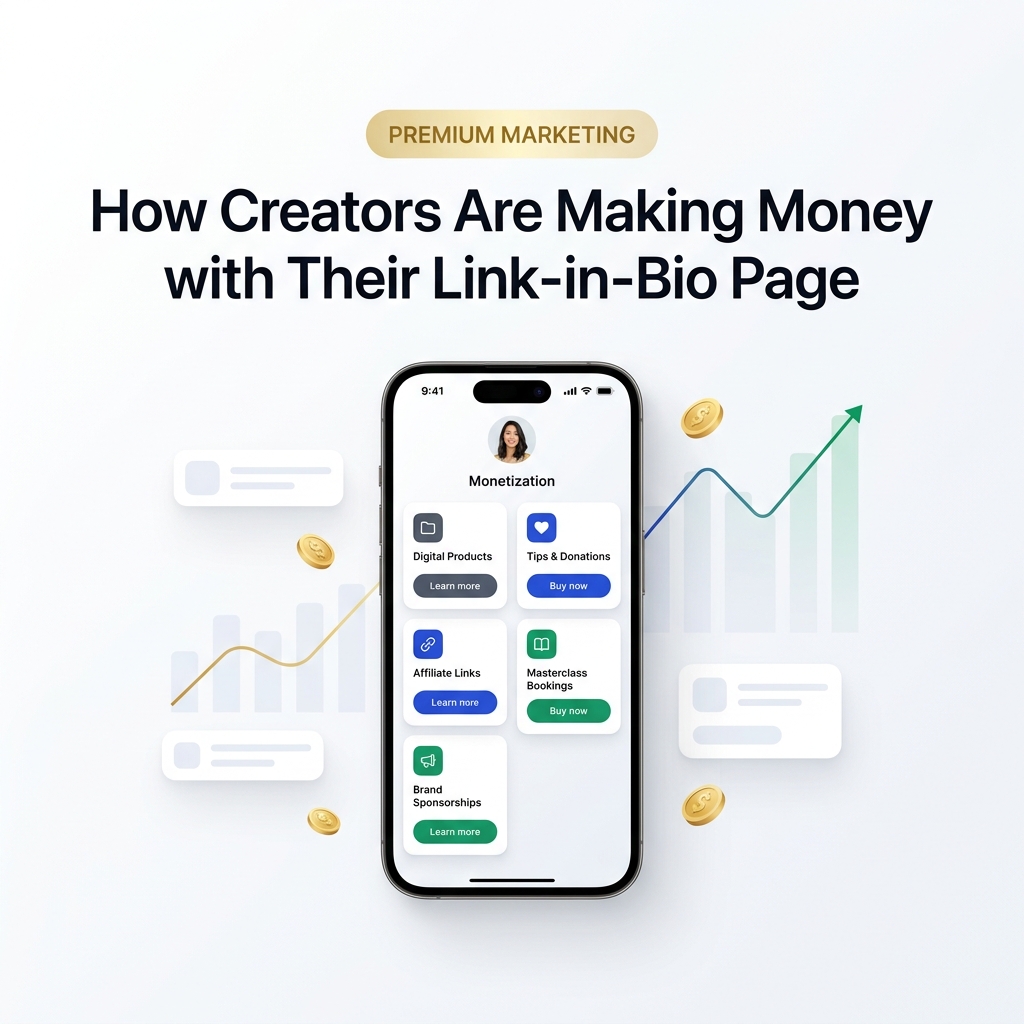
How Creators Are Making Money with Their Link-in-Bio Page
Discover how modern creators turn single bio links into multi-stream revenue hubs. Learn the top monetization …
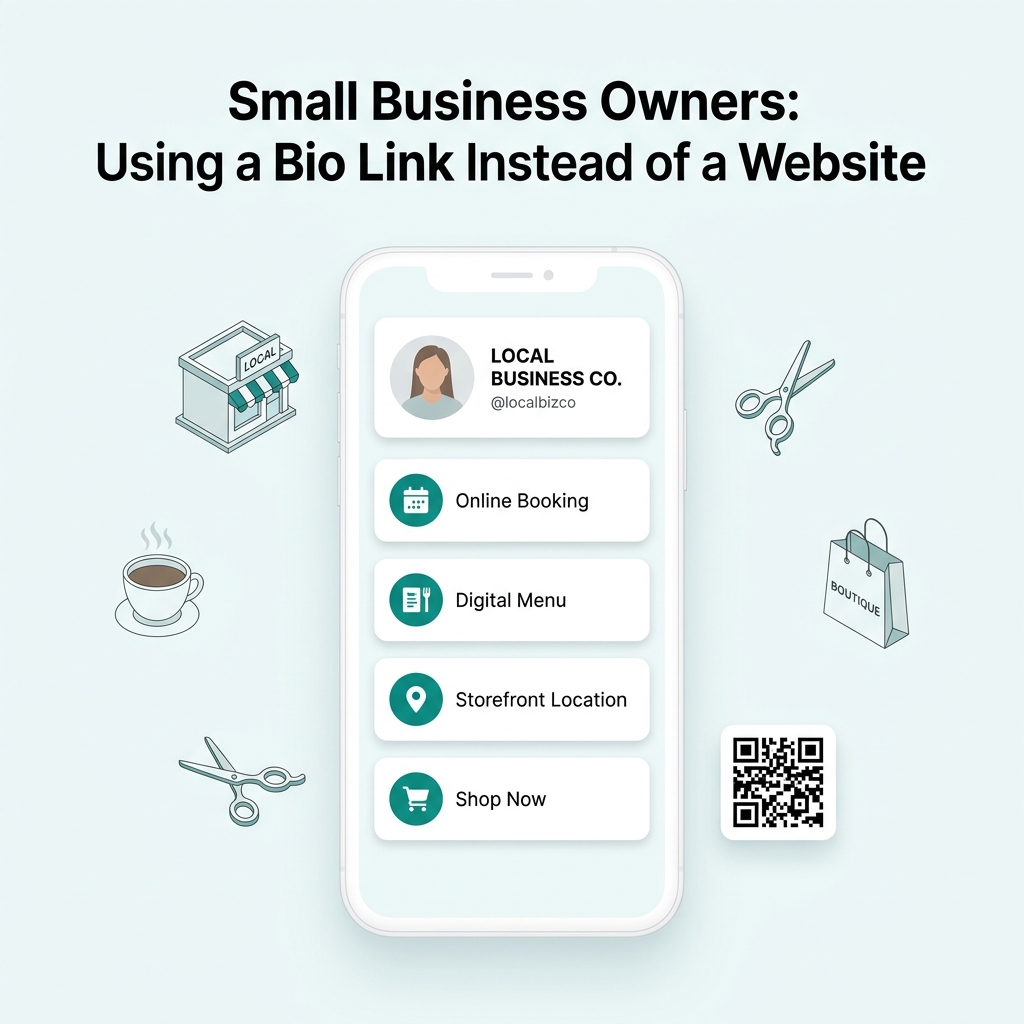
Small Business Owners: Using a Bio Link Instead of a Website
Discover why small business owners are replacing expensive, complex websites with streamlined Bio Link …