
7 Common Link in Bio Mistakes That Cost You Clicks (And How to Fix Them)
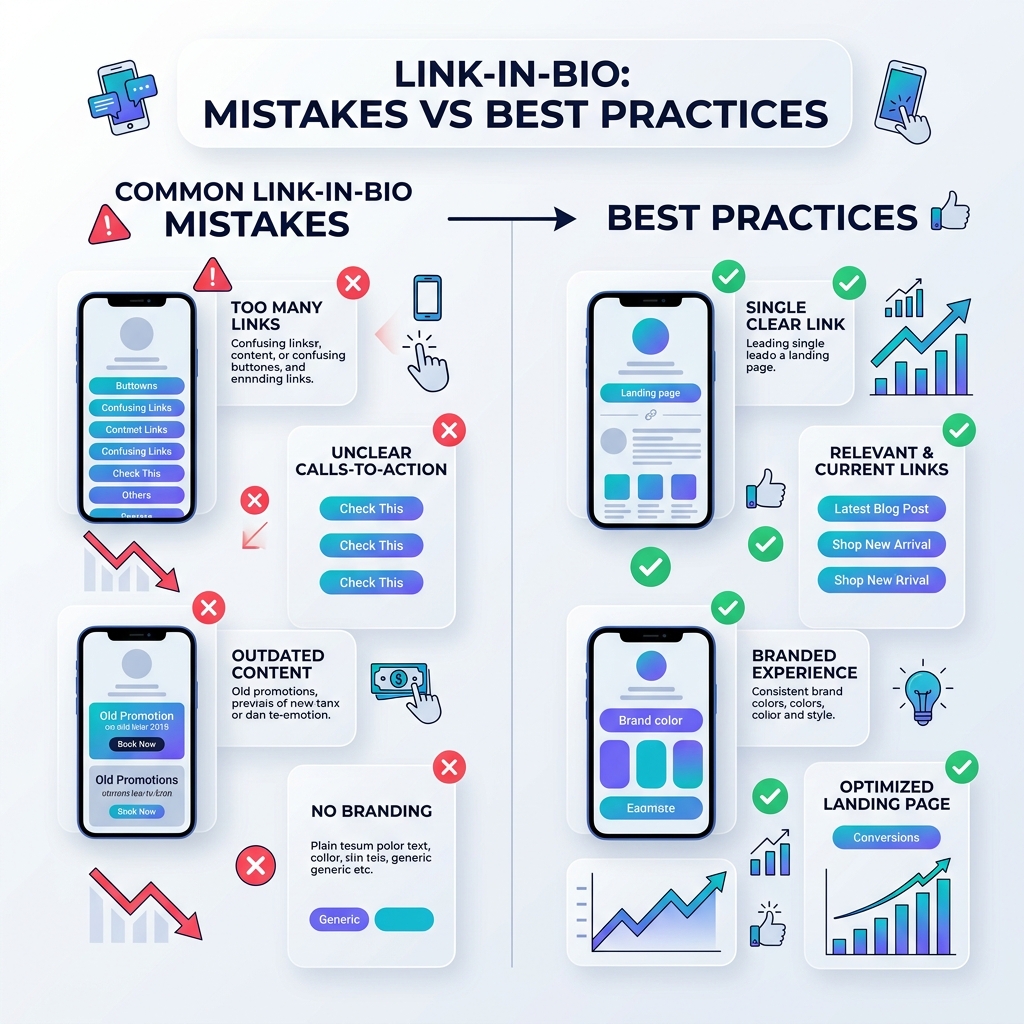
Your social media bio link is the most valuable digital real estate on your profile. Whether you build your brand on Instagram, TikTok, X (Twitter), YouTube, or LinkedIn, that single URL is the main bridge connecting casual scrollers to your website, newsletter, digital store, or latest content.
Yet millions of creators, influencers, and businesses unknowingly make simple setup errors that drain their click-through rates (CTR). If you’re getting high profile views but low link clicks, your bio page might be falling into these common traps.
Here are the 7 most common link in bio mistakes that cost you clicks — and exactly how to fix them today.
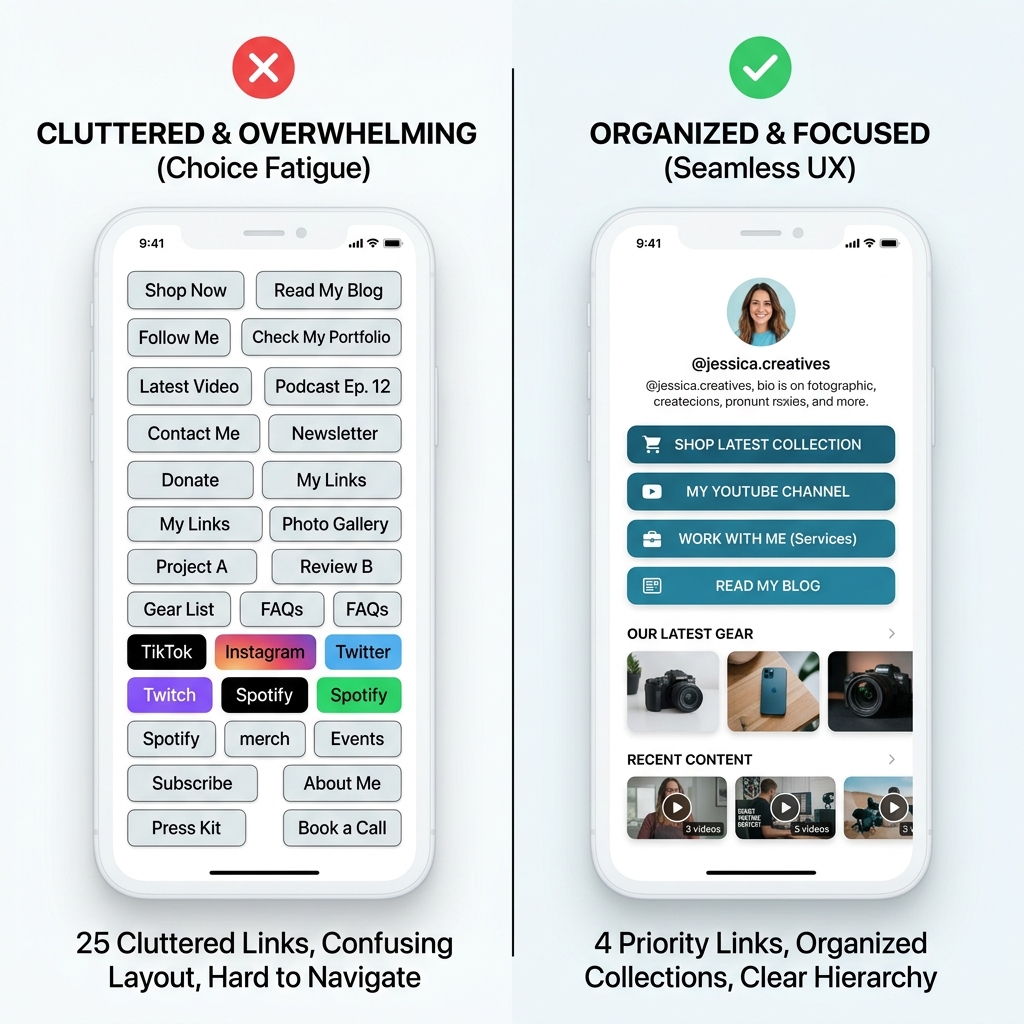
1. Choice overload: packing 25+ links on one page
The mistake
Overwhelming visitors with a wall of dozens of identical buttons. In psychology, Hick’s Law states that the time it takes to make a decision increases logarithmically with the number and complexity of choices.
When a visitor lands on a bio page with 30 unorganized links, they suffer from analysis paralysis — and their easiest choice is to hit the back button.
How to fix it
- Limit active top-level links to 5–8 key actions.
- Group secondary links into collections. Categorize older portfolio items, podcast archives, or secondary social channels into collapsible folders so your main page stays clean.
- Place your single #1 priority goal (e.g. product launch or event signup) at the top of the page.
2. Using vague or passive Calls-to-Action (CTAs)
The mistake
Labeling your links with generic words like “Website”, “Click Here”, “My Links”, or “Store”. Visitors don’t click on buttons just because they exist — they click because of what they will gain on the other side.
How to fix it
Rewrite your button copy to be specific, urgent, and value-focused:
- ❌ Generic: “Newsletter” ➔ ✅ Actionable: “Get My Free 5-Minute Weekly Marketing Tips”
- ❌ Generic: “Shop” ➔ ✅ Actionable: “Shop 30% Off Summer Streetwear Drop”
- ❌ Generic: “YouTube” ➔ ✅ Actionable: “Watch: How I Built My Studio (Full Tour)”
Clear, benefit-driven CTAs instantly increase conversion rates because visitors know exactly what to expect.
3. Neglecting mobile load speed and UX
The mistake
Using clunky, heavy bio builders or uploading 10MB uncompressed background images that take 4 to 5 seconds to load over mobile cellular data.
Over 85% of traffic to your link-in-bio comes from mobile apps like Instagram and TikTok. According to Google, every additional second of mobile load time increases bounce rates significantly.
How to fix it
- Choose a lightweight, mobile-first bio link platform like OnlyLink that optimizes image compression and renders instantly.
- Test your page link on cellular data (not just fast Wi-Fi) to verify it loads in under a second.
- Keep background wallpapers clean and contrast-friendly so link text remains readable on small screens.
4. Leaving outdated or broken links active
The mistake
Hyping a new product or webinar in your latest social media post, while your bio link still points to an expired promo page, a sold-out item, or a 404 error page.
Sending hot traffic to dead ends instantly destroys visitor trust and costs you immediate revenue.
How to fix it
- Perform a weekly 2-minute link audit: Tap every link on your page to ensure destination URLs are working.
- Match your bio top link to your latest post content: When you mention “link in bio” in a video, make sure that specific CTA sits right at the top of your page.
- Remove or archive seasonal promotions as soon as campaigns conclude.
5. Flying blind without real-time analytics
The mistake
Guessing what your followers like instead of relying on real data. If you don’t track how many people view your page versus how many click each link, you have no way to know what content resonates.
How to fix it
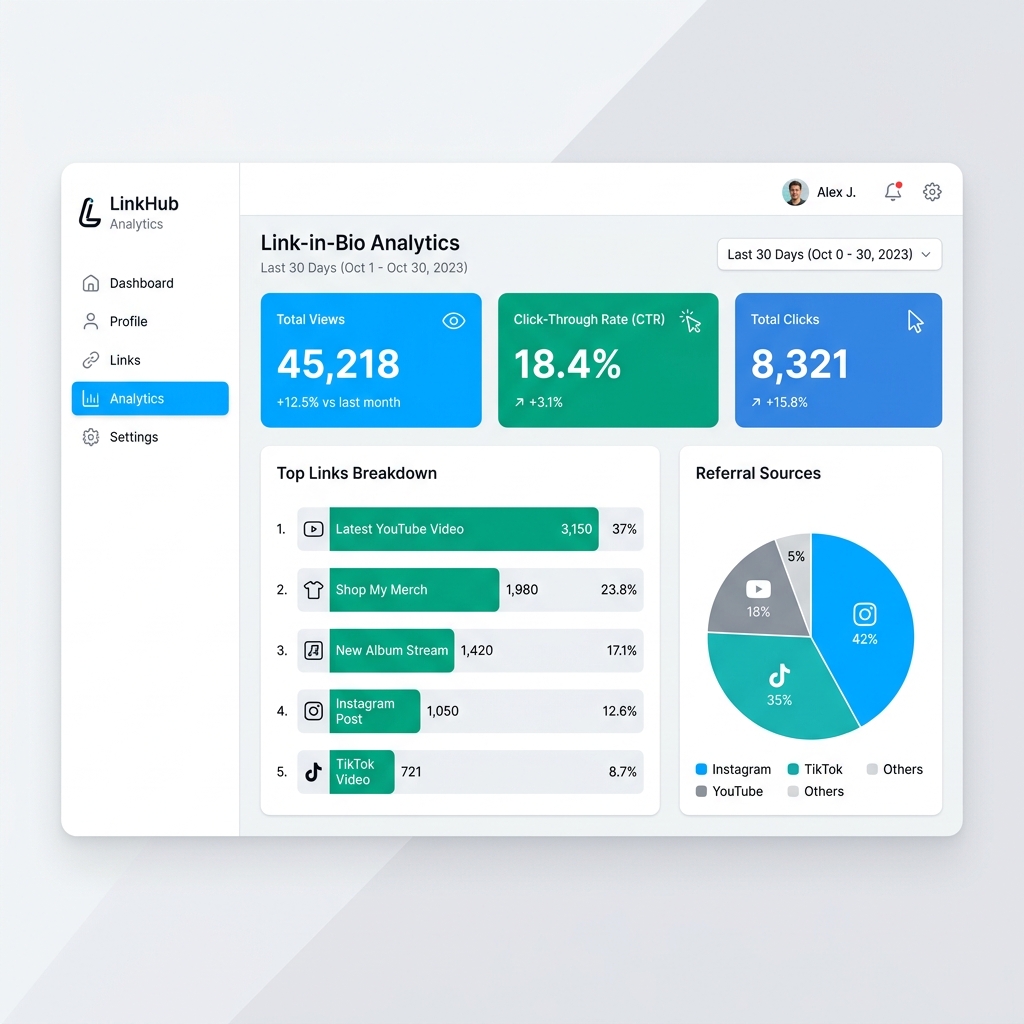
Use a bio link tool with built-in, real-time analytics. Monitor:
- Click-Through Rate (CTR): Total clicks divided by total views.
- Top Performing Links: Identifies which products or articles generate the most interest.
- Referral Sources: Highlights whether Instagram, TikTok, or YouTube drives your highest-intent visitors.
(For more on using analytics to drive real growth, read how a link in bio can increase your website traffic.)
6. Off-brand or generic visual design
The mistake
Using default gray-on-white themes that look completely disconnected from your brand, or choosing chaotic neon colors that make text illegible. If your landing page looks unverified or amateurish, visitors hesitate to click or purchase.
How to fix it
- Match your visual identity: Align your bio page color palette, fonts, and avatar with your primary social profiles.
- Use subtle background gradients or clean styling to create a modern, premium aesthetic.
- Keep brand elements consistent across platforms so visitors feel confident they are in the right place.
7. Failing to leverage rich media embeds
The mistake
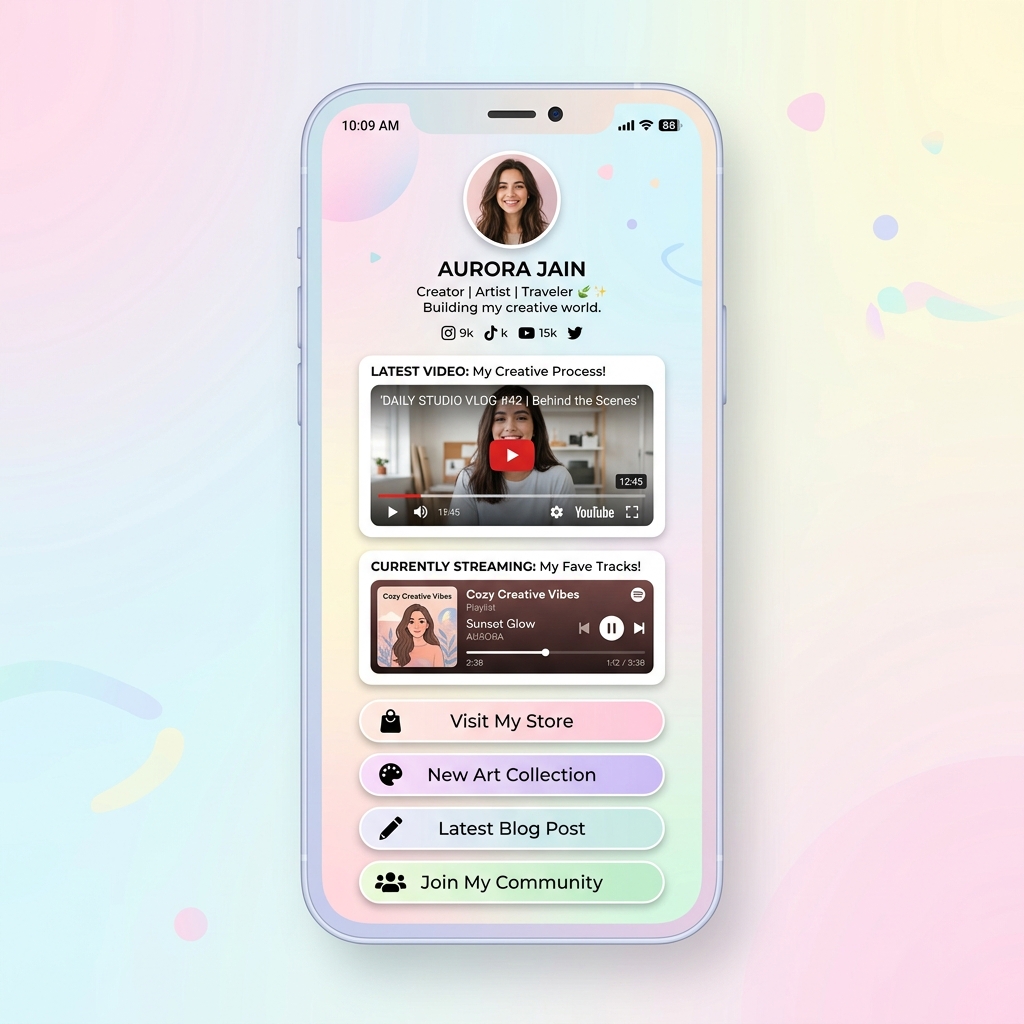
Treating your bio page as merely a list of plain text bookmarks, forcing visitors to leave your page whenever they want to watch a short video teaser or listen to a music clip.
How to fix it
Incorporate interactive media embeds:
- Embed playable YouTube videos or TikTok clips directly on the page so visitors can watch without app switching.
- Add interactive Spotify or Apple Music audio players for single releases and podcast episodes.
Rich media embeds keep visitors on your page longer, boosting overall engagement and conversions.
Quick checklist: common bio link mistakes vs. smart fixes
| Bio Link Mistake | The Immediate Fix | Expected Benefit |
|---|---|---|
| Choice Overload | Limit to 5–8 active links + use collections | Higher click-through rate (CTR) |
| Generic CTAs | Write action-focused, benefit-driven text | Increased conversion rate |
| Slow Mobile Speed | Use lightweight, mobile-optimized tools like OnlyLink | Lower bounce rates |
| Outdated / Dead Links | Perform weekly audits & update top priority links | Maintained user trust & sales |
| No Click Tracking | Analyze real-time views & link click stats | Data-driven decision making |
| Off-Brand Visuals | Match colors, fonts, and avatar to your main brand | Enhanced credibility |
| Text-Only Buttons | Embed YouTube, Spotify & TikTok media players | Higher engagement & time-on-page |
How to optimize your bio link in 5 minutes
If you recognized any of these mistakes on your current page, fixing them is quick and straightforward:
- Prune your link list: Remove dead or low-performing links so only high-value CTAs remain.
- Rewrite your button labels: Add strong action verbs and clear benefits to every link.
- Upgrade to a modern bio link tool: If your current tool limits customization, locks basic analytics behind paywalls, or loads slowly, consider switching.
With OnlyLink, you get:
- Unlimited links & structured collections — free forever
- Real-time analytics to see what your audience actually clicks
- Playable media embeds for YouTube, Spotify, and TikTok
- Fast, mobile-optimized pages with custom themes and wallpapers
- Built-in QR codes for sharing offline and on video streams
New to setting up your page? Check out our step-by-step guide on how to add a link in bio on Instagram or learn how to choose the best link in bio tool for creators.
The bottom line
Your link in bio is not just a digital business card — it’s your primary conversion engine on social media. By eliminating choice clutter, writing irresistible CTAs, optimizing for mobile speed, and tracking real-time analytics, you turn lost scrollers into engaged followers and customers.
Claim your free OnlyLink handle today and transform your social media bio link in minutes.
Ready to build your link in bio?
Create your free OnlyLink page in under a minute unlimited links, analytics and custom designs.
Get started freeKeep reading
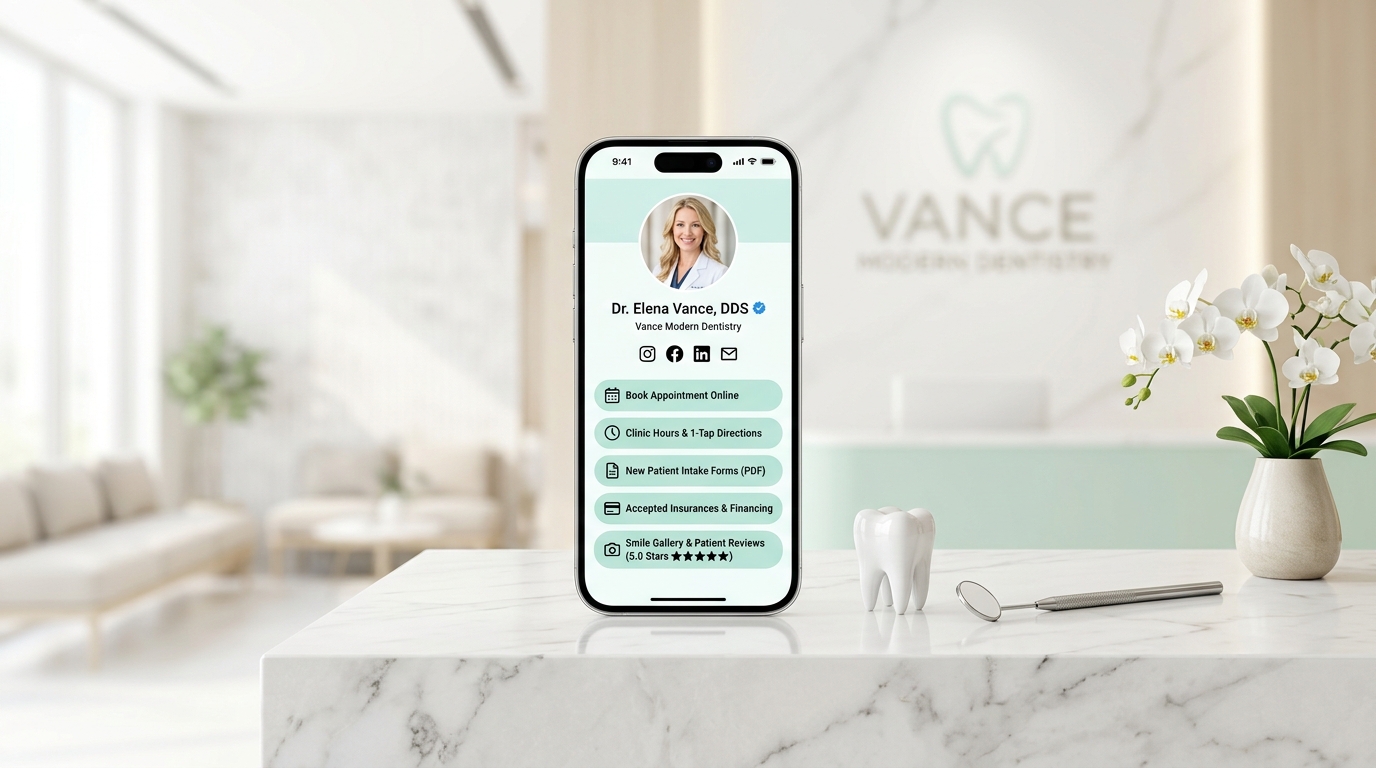
How Dentists Can Share Appointment Booking, Clinic Details, and Patient Resources
Discover how modern dental clinics, orthodontists, and cosmetic practices build a high-speed, light-theme …
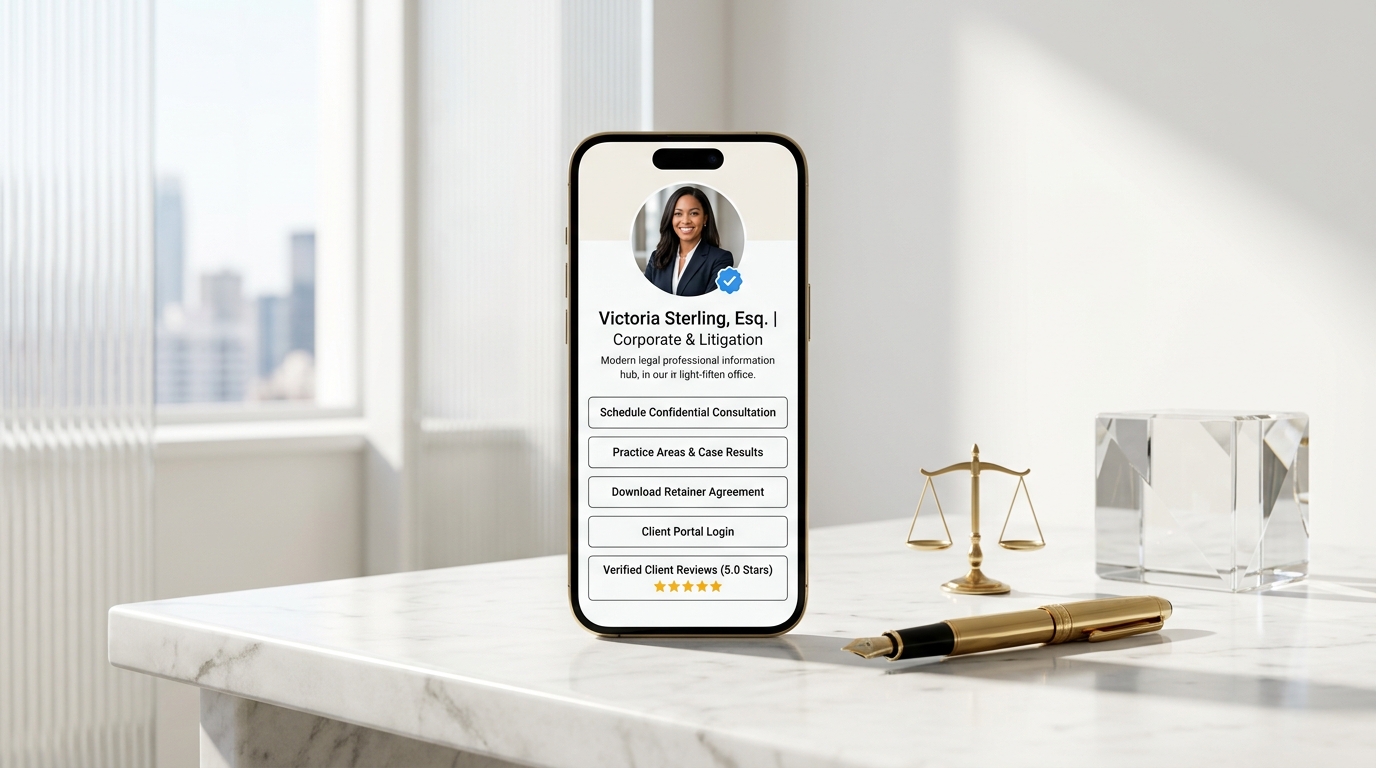
How Lawyers Can Build a Professional Online Information Hub
Discover how modern attorneys, solo practitioners, and boutique law firms build an ethical, high-speed, …