
Build Your Personal Brand with a Professional Bio Link
In 2026, your personal brand is your most valuable asset. Whether you are a creator, founder, developer, consultant, or freelancer, how you present yourself online dictates your career trajectory, deal flow, and earning potential.
Yet, most professionals face a major digital identity problem: fragmentation.
You might publish insightful posts on LinkedIn, share short-form video reels on Instagram and TikTok, showcase code or design work on GitHub or Behance, and write a newsletter on Substack. But when a curious visitor or prospective partner clicks your profile, where do they go?
If your bio link points to a single static platform or an unorganized list of raw URLs, you are leaking attention, trust, and opportunities.
To stand out in today’s fast-paced digital economy, you need to build your personal brand with a professional bio link page. Here is your complete guide to crafting a unified digital identity that converts attention into lasting authority.
Why Your Bio Link Is the Digital Front Door to Your Brand
Think of your social media profiles as advertising billboards placed along busy digital highways. They generate awareness, impressions, and interest. However, your bio link is the front door to your digital headquarters.
When a follower takes the intentional action of leaving their main social feed to click your bio link, they are showing high intent. What they experience in those first 3 seconds determines whether they become a fan, client, customer, or subscriber.
What an Unprofessional Bio Link Tells Visitors:
- ❌ Lack of Care: Generic default styling with basic buttons implies an incomplete digital footprint.
- ❌ Choice Overload: A wall of 25 unorganized links confuses visitors, leading to decision paralysis and high bounce rates.
- ❌ Rented Land Reliance: Sending users directly off to third-party platforms without capturing lead info or building brand equity.
What a Professional Bio Link Hub Delivers:
- ✅ Instant Visual Authority: Clean, light-themed typography and curated brand colors that match your social identity.
- ✅ Focused Touchpoints: Grouped collections directing visitors to your highest-value offers, content, and portfolio highlights.
- ✅ Owned Brand Assets: Custom domains (
yourname.onlylink.click) that reinforce your unique identity.
For a deeper look into digital identity strategies, check out our guide on personal branding in 2026.
The Architecture of a High-Converting Personal Brand Hub
Building a memorable personal brand requires structured information flow. Instead of treating your link-in-bio page as a junk drawer for miscellaneous links, organize it into a streamlined ecosystem hub:
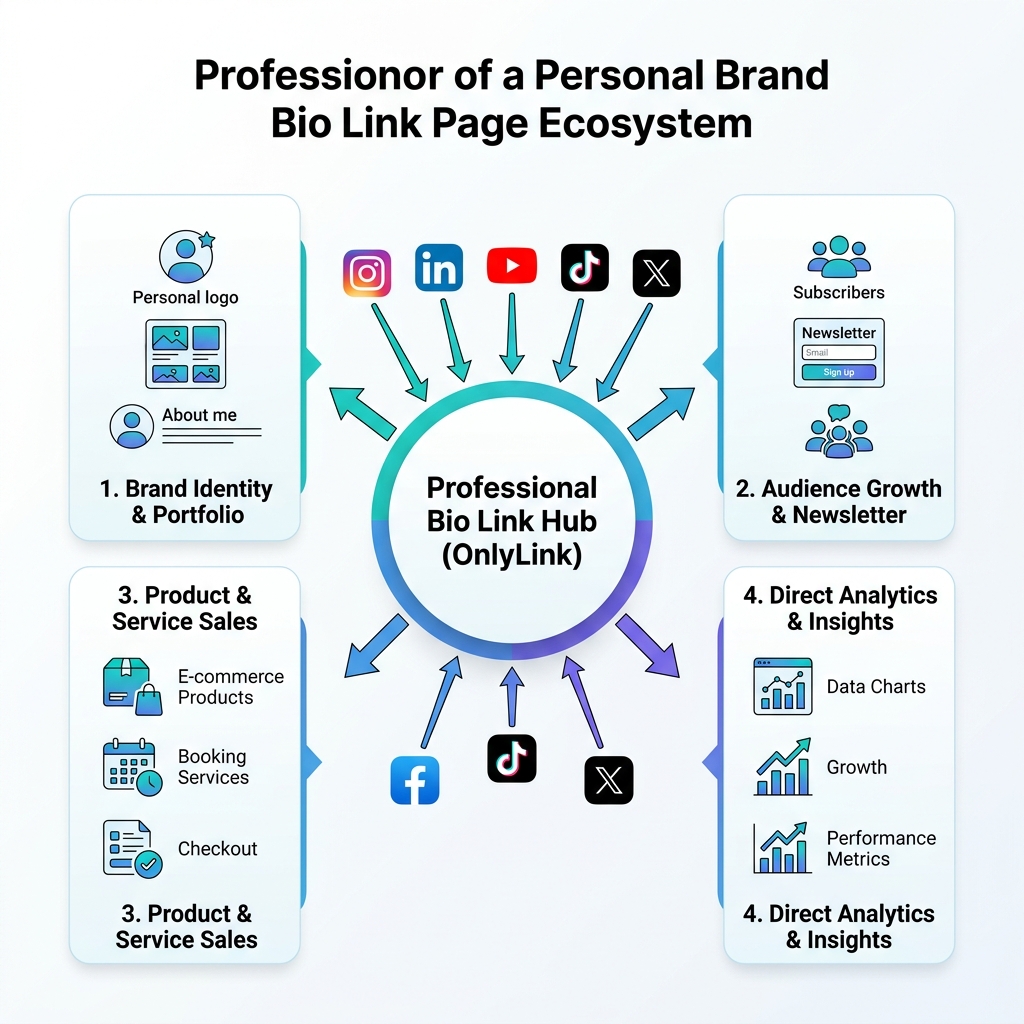
A high-converting bio hub acts as a central router that receives traffic from all your discovery channels (Instagram, LinkedIn, YouTube, TikTok, X) and distributes visitors seamlessly across four core pillars:
1. Brand Identity & Portfolio Pillar
Your bio page header should immediately answer three fundamental questions: Who are you? What do you do? How can you help me?
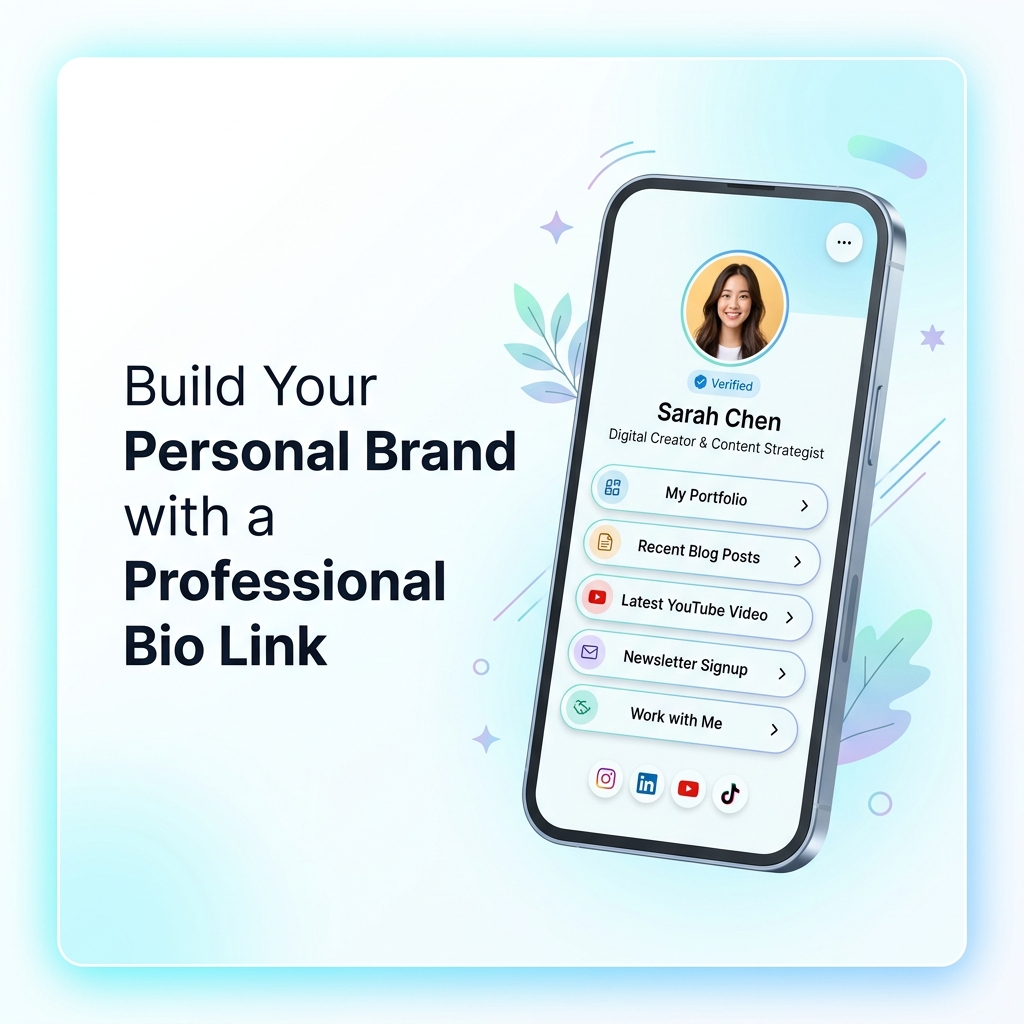
- High-Resolution Avatar: A clean, professional headshot or recognizable personal logo.
- Verified Badge & Title: Clear headline (e.g., “Sarah Chen — Digital Creator & Content Strategist”).
- Featured Work: Direct embed widgets or buttons pointing to your top portfolio pieces, case studies, or design samples.
2. Audience Growth & Lead Capture Pillar
Never let warm social traffic go to waste without offering a way to stay connected outside of platform algorithms.
- Newsletter Opt-in Card: Allow visitors to subscribe to your weekly email digest directly from your bio link.
- Free Resource Download: Offer a valuable PDF, cheat sheet, or template in exchange for an email address.
3. Products & Services Monetization Pillar
Consolidate your income streams under one organized roof so followers can support your work effortlessly.
- Digital Products: Link directly to e-books, templates, or courses.
- Consultation & Booking Cards: Embed calendar booking widgets for strategy calls, coaching sessions, or freelance inquiries.
- Affiliate & Gear Recommendations: Showcase rich visual cards for tools and products you trust.
4. Direct Analytics & Insights Pillar
Professional personal branding is data-driven. By routing all profile traffic through OnlyLink, you unlock real-time first-party analytics:
- Click-Through Rates (CTR): Track which platforms drive your highest-converting visitors.
- Geographic Reach: See where your global audience is located.
- Link Performance: Double down on content and products that resonate most with your audience.
5 Essential Rules for Designing a Professional Light-Theme Bio Page
Visual presentation is crucial for personal branding. Modern design trends heavily favor clean, light-themed aesthetics that deliver high legibility, soft pastel tones, and low visual fatigue.
Here are 5 design rules to follow when building your page on OnlyLink:
1. Embrace Light Theme Clarity and Visual Hierarchy
Light theme designs create a crisp, inviting, and professional atmosphere. Use soft white or light gray background canvases paired with subtle cyan, blue, or purple accent colors. Ensure button text has high contrast ratios for effortless mobile reading.
2. Limit Top-Level Action Buttons to 5–7 Links
Too many choices lead to zero action. Highlight 5 to 7 primary links on your main screen. If you have additional secondary resources, organize them inside collapsible accordions or categorized collections (e.g., “My Favorite Books”, “Past Talks & Podcasts”).
3. Incorporate Interactive Rich Media Embeds
Static link lists feel outdated. Elevate your page UX by embedding live media directly:
- YouTube or Vimeo Videos: Feature your latest video or intro reel so visitors can watch without leaving your bio.
- Spotify or Apple Music Streams: Showcase your latest podcast episode or curated playlist.
- Interactive Widgets: Display live countdown timers for product launches or interactive poll cards.
4. Maintain Cross-Platform Visual Consistency
Ensure your bio link visual design matches your social media banners, avatar style, and brand fonts. When a follower transitions from your Instagram feed or LinkedIn profile to your OnlyLink page, the visual flow should feel like a natural extension of your personal brand.
5. Optimize for Sub-Second Mobile Page Speed
Over 90% of bio link clicks occur on mobile devices over cellular networks. Heavy custom websites with uncompressed images can take 4 seconds to load, causing up to 50% of visitors to abandon the page. OnlyLink pages are engineered for sub-second rendering, ensuring every visitor lands instantly.
For additional optimization tips, explore our guide on why every creator needs a professional link in bio page.
Common Personal Branding Mistakes to Avoid
Even experienced creators make simple mistakes that hurt their brand authority. Keep an eye out for these common pitfalls:
- ❌ Using Raw, Long URLs: Unshortened tracking links look messy and untrustworthy. Always use clean button labels.
- ❌ Outdated Links: Leaving expired promotional links or broken URLs in your bio damages credibility. Audit your bio link monthly.
- ❌ Forgetting the Primary CTA: If everything is emphasized, nothing is. Make your single most important goal (e.g., “Join Newsletter” or “Book a Call”) visually prominent.
- ❌ No Social Icon Bar: Always include social icon links at the bottom of your bio page so visitors can follow you across all your active channels.
Step-by-Step: How to Build Your Personal Brand Hub with OnlyLink
Building a sleek, high-converting bio link page takes less than 5 minutes. Follow these simple steps:
- Claim Your Unique Handle: Head to OnlyLink.click and reserve your preferred username (e.g.,
onlylink.click/yourname). - Choose a Light Theme Preset: Select a clean light theme layout with tailored button shapes, soft shadows, and crisp typography.
- Add Your Identity Header: Upload your high-resolution profile picture, add your verified name, and write a compelling 2-sentence bio.
- Build Your Primary Links & Embeds: Add your flagship links, embed your latest YouTube video or podcast episode, and configure your newsletter lead capture card.
- Add Social Links & Custom Domain: Link your Instagram, LinkedIn, X, YouTube, and GitHub profiles. Connect your custom domain if desired.
- Update Your Bio Across Social Channels: Place your new OnlyLink URL in your Instagram, TikTok, LinkedIn, X, and YouTube profile bios.
Final Thoughts: Own Your Digital Identity in 2026
Social media algorithms are constantly changing, but an owned, professional personal brand belongs entirely to you. By consolidating your content, portfolio, products, and social presence into a single light-themed, high-converting bio link page, you present a polished, authoritative image to the world.
Ready to build your personal brand hub? Create your free OnlyLink page now and elevate your digital identity today.
Ready to build your link in bio?
Create your free OnlyLink page in under a minute unlimited links, analytics and custom designs.
Get started freeKeep reading
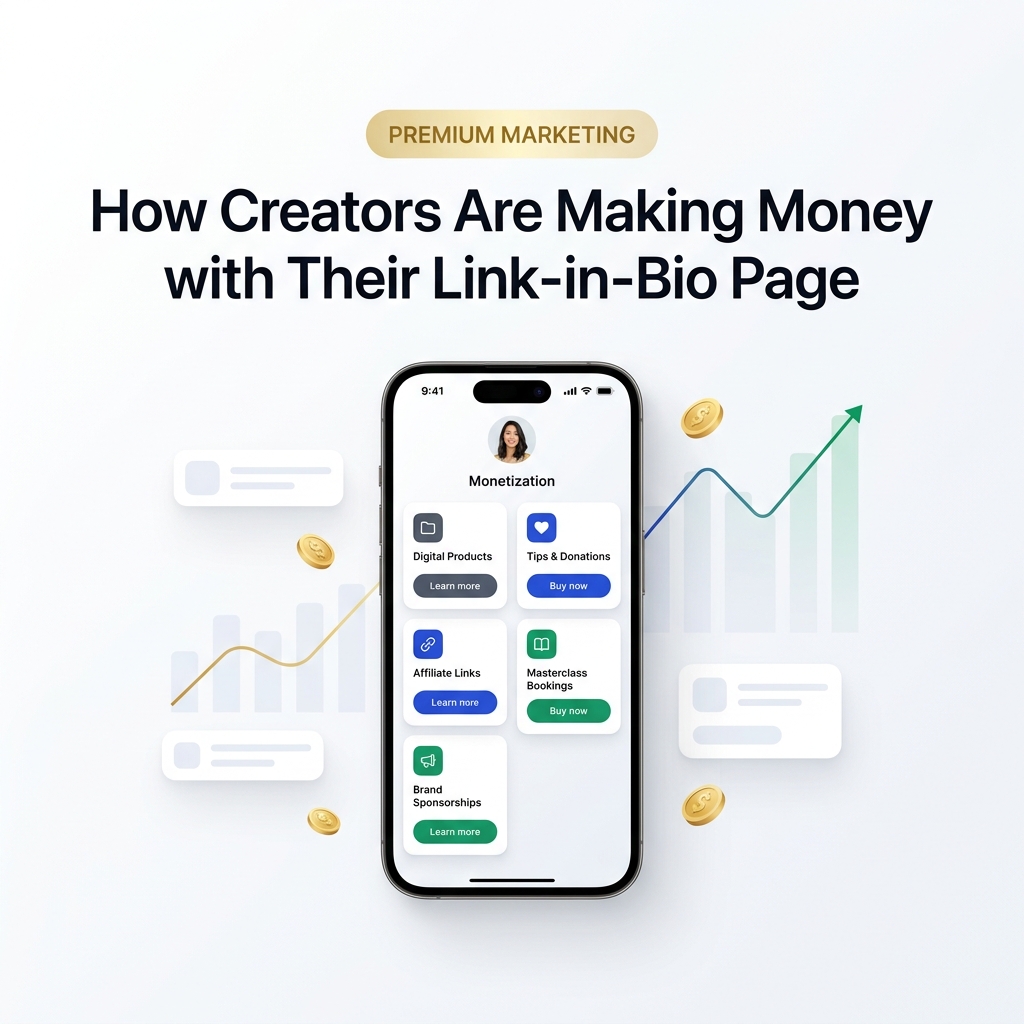
How Creators Are Making Money with Their Link-in-Bio Page
Discover how modern creators turn single bio links into multi-stream revenue hubs. Learn the top monetization …
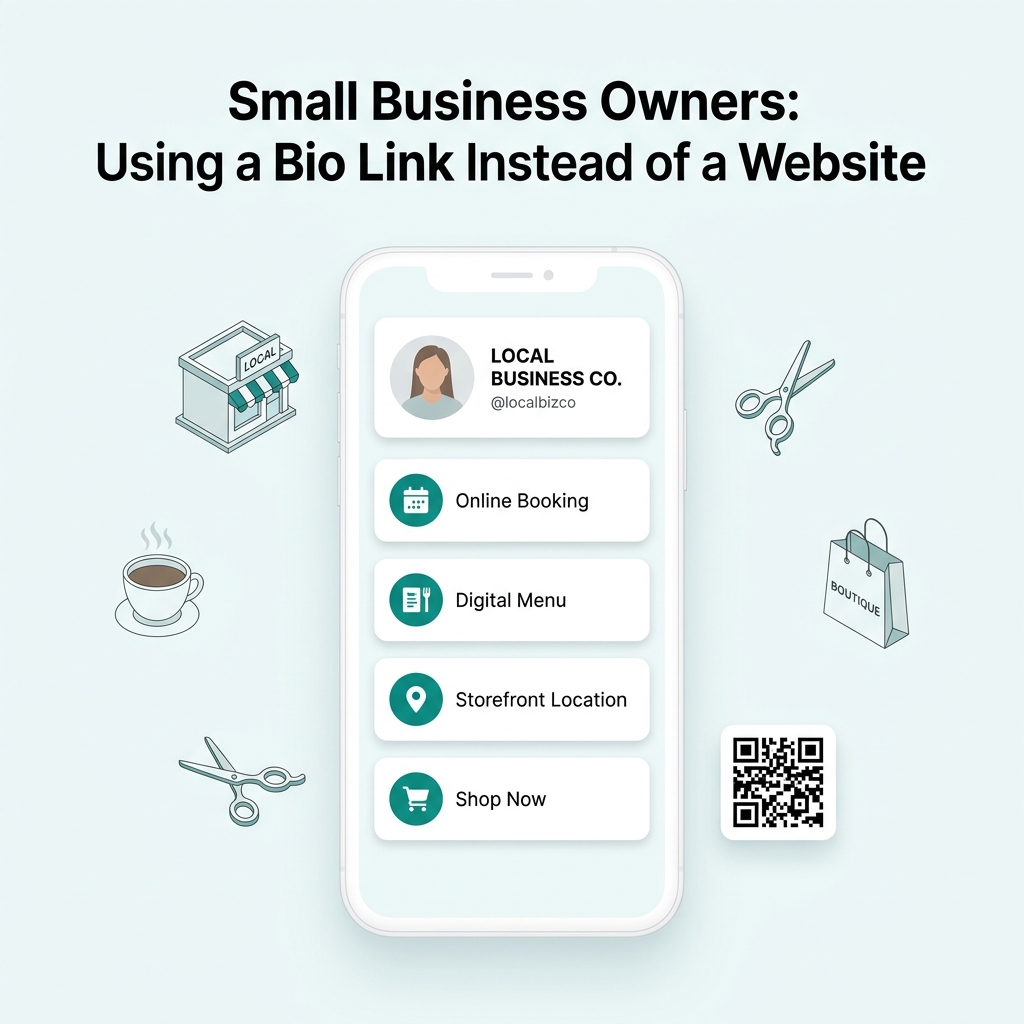
Small Business Owners: Using a Bio Link Instead of a Website
Discover why small business owners are replacing expensive, complex websites with streamlined Bio Link …