
The Best Link in Bio Tool for Creators in 2026
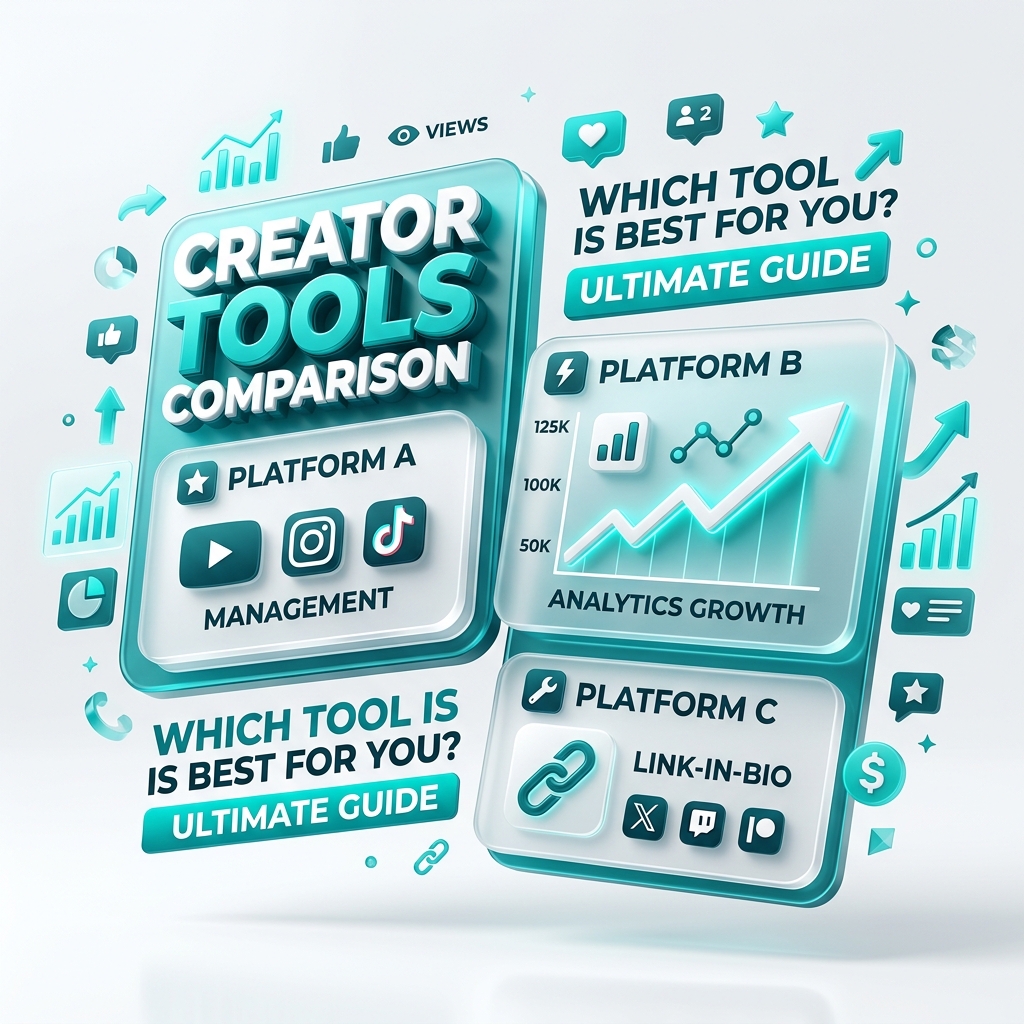
Search for a link in bio tool and you’ll find dozens of options that all look similar. The differences only show up once you’re actually using one — when you hit a link limit, discover analytics are locked behind a paywall, or realize your page looks identical to everyone else’s.
This guide covers what actually matters when choosing the best link in bio tool, so you can pick one you won’t outgrow.
What makes a great link in bio tool?
1. No hard limits on the free plan
The whole point of a bio link is to hold everything. A tool that caps you at a handful of links — then charges to add more — defeats the purpose. Look for unlimited links and collections from day one.
2. Analytics you can actually see
You can’t grow what you can’t measure. The best tools show views, clicks, top links, and traffic sources in real time — not just a total buried behind an upgrade prompt. Analytics turn your bio page into a feedback loop for your content.
3. Real customization
Your link in bio is an extension of your brand. Cookie-cutter templates make every page look the same. Prioritize tools with custom themes, colors, wallpapers, and layouts so your page looks unmistakably yours.
4. Media embeds
Great pages don’t just link out — they let people watch and listen without leaving. YouTube, Spotify, and TikTok embeds keep attention on your page and boost engagement.
5. Speed and SEO
A slow page loses clicks. A page Google can’t read never ranks. The best tools are fast, mobile-first, and SEO-friendly, so your page performs both for visitors and in search. (More on that in Link in Bio SEO.)
6. Fair pricing
“Free” should mean genuinely usable — not a demo. Paid tiers should unlock advanced features (like deeper analytics), not basic functionality you’d expect for free.
A quick comparison checklist
| What to look for | Why it matters |
|---|---|
| Unlimited links & collections | You’ll never hit a wall mid-launch |
| Real-time analytics on free | Learn what your audience clicks |
| Custom design | Stand out instead of blending in |
| Media embeds | Keep attention on your page |
| Fast, SEO-friendly pages | Rank in search and load instantly |
| Transparent pricing | No surprise paywalls |
Why creators choose OnlyLink
OnlyLink was built around exactly this checklist:
- Unlimited links, collections, and media embeds — free forever
- Real-time analytics on every plan, with Pro for advanced breakdowns
- Fully custom themes, gradients, wallpapers, and layouts
- Fast, SEO-friendly pages on your own
yourname.onlylink.clickaddress - QR codes for every page, ready for print and IRL events
It’s a genuine Linktree alternative that doesn’t make you pay to remove the limits.
How to switch in minutes
Already have a bio link elsewhere? Moving over is quick:
- Create your free OnlyLink page.
- Re-add your links (a good chance to prune dead ones).
- Style it to match your brand.
- Swap the URL in your Instagram, TikTok, and YouTube bios.
New to this entirely? Start with What is a link in bio? for the basics.
The verdict
The best link in bio tool is the one you won’t outgrow — unlimited from the start, honest with analytics, genuinely customizable, and fast. If that sounds like what you need, claim your OnlyLink handle and see for yourself.
Ready to build your link in bio?
Create your free OnlyLink page in under a minute unlimited links, analytics and custom designs.
Get started freeKeep reading
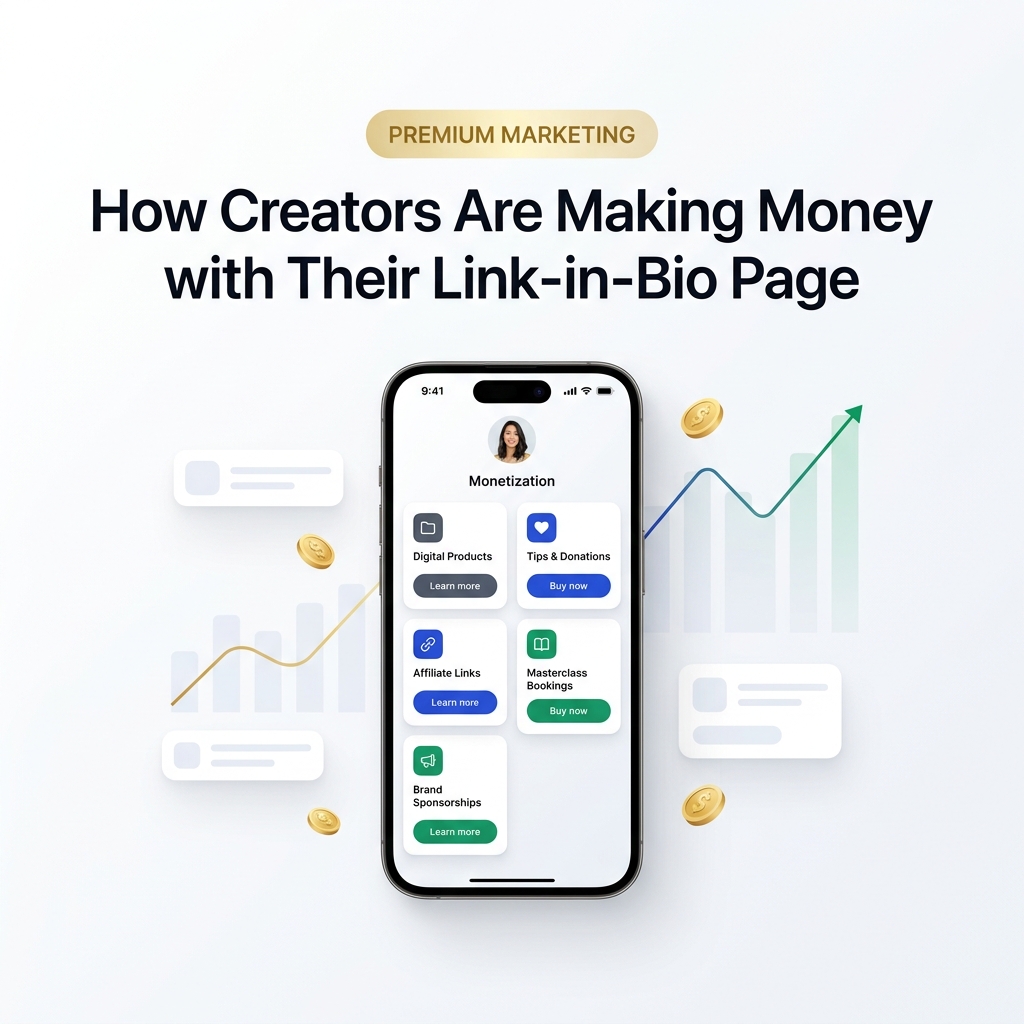
How Creators Are Making Money with Their Link-in-Bio Page
Discover how modern creators turn single bio links into multi-stream revenue hubs. Learn the top monetization …
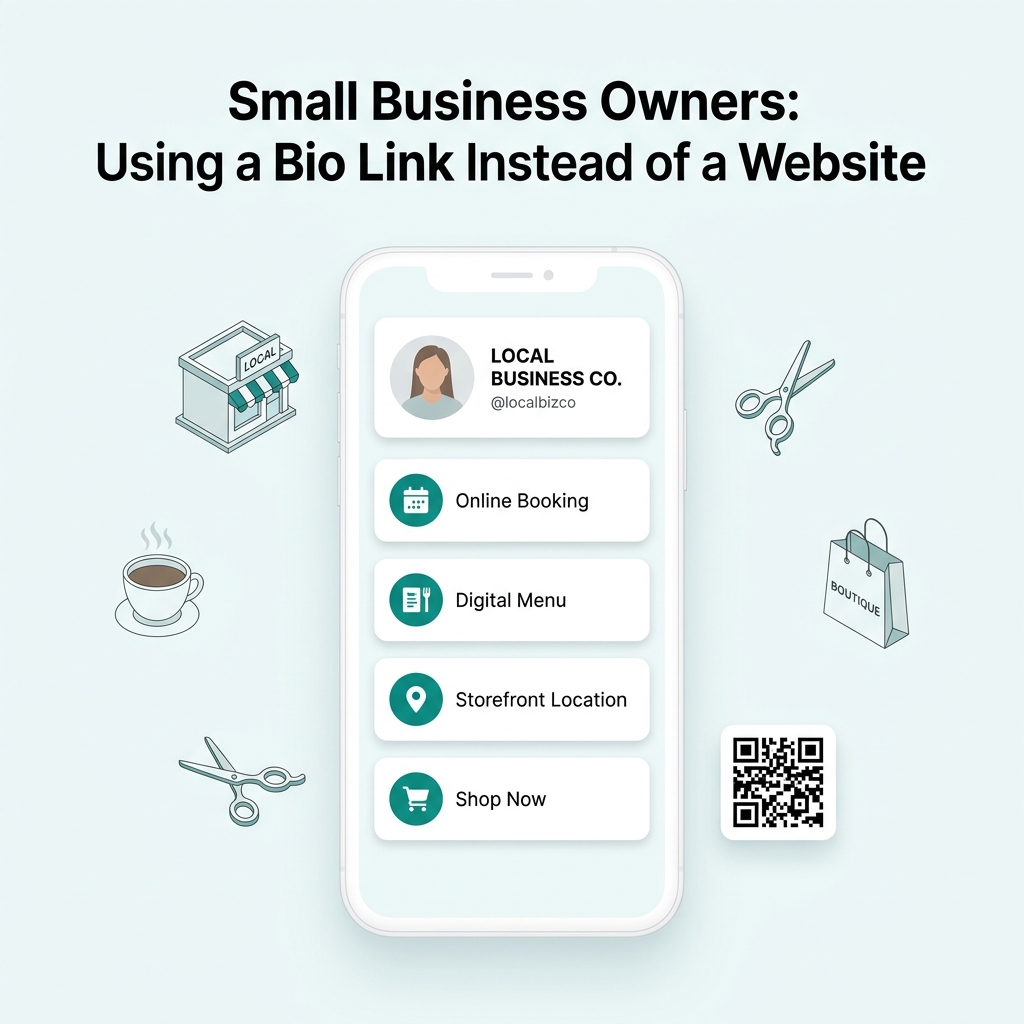
Small Business Owners: Using a Bio Link Instead of a Website
Discover why small business owners are replacing expensive, complex websites with streamlined Bio Link …